
Best NBN Speed for Gaming
The best NBN speed for gaming depends on latency, household overlap and whether the connection is wired, not on Mbps alone.
CompareUs Editorial TeamConsumer utilities editorial team
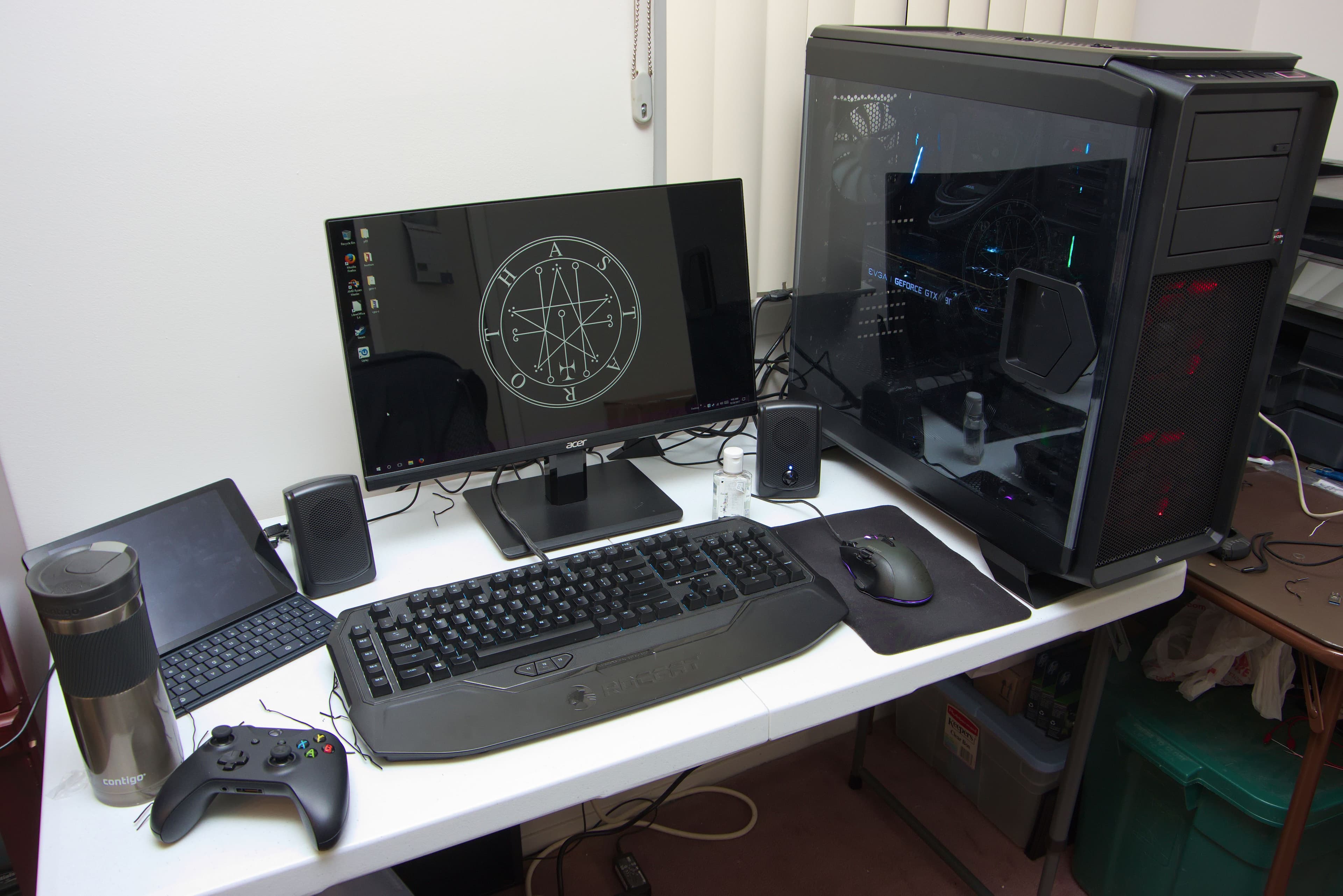
The best NBN speed for gaming is usually the tier that keeps latency stable when your household is active, not the tier with the biggest advertised download number. For most Australian homes the real decision sits between NBN 25, NBN 50 and NBN 100. Anything faster can be useful for heavy downloads or very busy households, but it is rarely the first answer to ordinary gaming lag.
Quick answer: which NBN tier should gamers shortlist?
NBN 25 can work for a solo gamer in a quiet home. NBN 50 is a safer default for many Australian gaming households because it gives more space for shared use. NBN 100 is the tier to check when multiple people stream, work or download at the same time and you want to protect gaming from the rest of the evening load.
Why the tier is only part of the story
Online games usually need stable latency, low jitter and low packet loss. The ACCC's broadband performance guidance highlights latency and packet loss as important quality factors for experiences such as gaming. That means a home can buy a faster tier and still be unhappy if the problem is Wi-Fi instability, poor router placement or a busy household crushing the connection every evening.
What NBN 25, 50 and 100 really mean for gaming
NBN 25 is the minimum sensible tier for many gamers, but it is easiest to outgrow. One console update, one 4K stream or one cloud backup can crowd it quickly.
NBN 50 is often the practical sweet spot. It usually gives enough headroom for gaming plus normal household internet use without paying for more capacity than many homes actually need.
NBN 100 is less about improving in-match performance directly and more about protecting the connection from the rest of the household. If two or three people are online, or if the same home handles video calls, streaming and large downloads at night, NBN 100 often feels more stable simply because it is less likely to get crowded.
Concrete household examples
A one-person apartment where gaming is the main evening activity can often cope on NBN 25, especially if the console or PC is wired. A two-person share house where one person games and the other watches Netflix or YouTube in HD will usually be more comfortable on NBN 50. CompareUs' main internet page notes that HD streaming typically needs about 5 to 8 Mbps per stream. That means two HD streams can absorb 10 to 16 Mbps before game updates, browsing or background traffic are counted.
If the same home uses 4K streaming, large day-one patches or cloud backups, NBN 25 becomes much easier to overwhelm. That is one reason NBN 50 has become the safer baseline for many gaming homes.
Downloads versus gameplay
Gamers often mix up two separate problems: match responsiveness and download convenience. A 120 GB or 150 GB game install benefits from a faster plan because it cuts waiting time. Actual online gameplay often does not need anything close to that level of raw bandwidth once you are in the match.
This is where the buying decision becomes more honest. If you want NBN 100 because you download large games often, that is a valid reason. If you want NBN 100 because you think it will automatically fix jitter on weak Wi-Fi, that is a weaker reason.
Server location still matters in Australia
Australian gamers often connect to a mix of local and overseas servers depending on the title. A Sydney or Melbourne server will usually feel better than a US or Europe server on the same home broadband plan. That is why the same household can have a great experience in one game and a mediocre one in another.
A faster NBN tier will not change geography. It can help with local household congestion, but it cannot make an overseas route behave like a local one.
Ethernet is the cleanest test
If you want to know whether your NBN tier is actually the problem, test on Ethernet first. Wired testing removes much of the variability introduced by walls, distance, microwave interference and neighbouring Wi-Fi networks. If latency is stable on Ethernet but poor on Wi-Fi, the broadband tier is probably not your main issue.
This is why /calculators/ping-test is useful before upgrading. If the ping is already clean on wired tests, paying for a larger tier may not change the gaming experience much.
Evening overlap is usually the deciding factor
CompareUs' broadband content repeatedly points readers back to typical evening behaviour because homes are rarely quiet from 7 pm to 11 pm. If one person is gaming, another is on a video call and another device starts a backup, NBN 25 can run out of room quickly. NBN 50 usually handles that overlap better. NBN 100 gives even more margin when households have several active devices and large downloads in the same window.
This is also why the phrase "best NBN speed for gaming" is really shorthand for "best NBN speed for a gaming household". The game is only part of the load.
When NBN 100 is worth the extra money
NBN 100 is worth a close look when the household is busy enough that gaming sessions are regularly disrupted by streaming, remote work, cloud sync or large downloads. It is also worth considering if you download very large games often and care about reducing the wait time materially.
It is less convincing if you live alone, game over Ethernet and rarely do anything heavy in parallel. In that case NBN 50 is often enough, and NBN 25 may still be workable if the home is genuinely quiet.
Common mistakes when choosing a gaming tier
The first mistake is shopping for Mbps alone. The second is ignoring the rest of the household. The third is treating Wi-Fi lag as proof that the NBN tier is too small. The fourth is testing only at quiet times such as midday, then assuming the same result will hold at 8 pm when the connection is under real pressure.
A fifth mistake is skipping the upload side. Streamers, creators and households sending large files can benefit from stronger upload performance even if the download tier already looks adequate.
A practical comparison checklist
Test the connection during your real gaming hours. Run a wired ping and speed test. Repeat while someone else streams or downloads. Record whether the issue is constant or only appears when the house is busy. If the problem happens only during overlap, compare NBN 50 and NBN 100 offers. If the problem happens even on a quiet wired test, investigate Wi-Fi, hardware, routing and provider performance before assuming a tier upgrade is the fix.
Next steps on CompareUs
Use /calculators/ping-test to measure latency, /calculators/nbn-speed to estimate the right household tier, and /internet to compare live NBN 25, 50 and 100 offers. If Wi-Fi is the weak point, check /guides/how-to-improve-wifi-speed before changing provider or paying for more speed.
Where should you go next?
FAQs
What is the best NBN speed for gaming?
For many homes it is NBN 50, while NBN 100 is often worth checking when the household is busy at the same time as gaming.
Does NBN 100 reduce gaming lag?
It can if the lag is caused by household congestion, but it will not fix weak Wi-Fi, poor router placement or distant game servers.
Is ping more important than download speed for gaming?
Usually yes. Stable latency, low jitter and low packet loss matter more to gameplay than very high raw download speed.
Should I test over Ethernet before upgrading my NBN plan?
Yes. Ethernet is the cleanest way to separate broadband-tier problems from Wi-Fi instability.