
HFC NBN Explained: Equipment, Plans and Speed Checks
HFC NBN uses a connection box and coaxial cable. Learn how to check your address, compare download and upload speeds, and avoid common equipment mistakes.
CompareUs Editorial TeamConsumer utilities editorial team
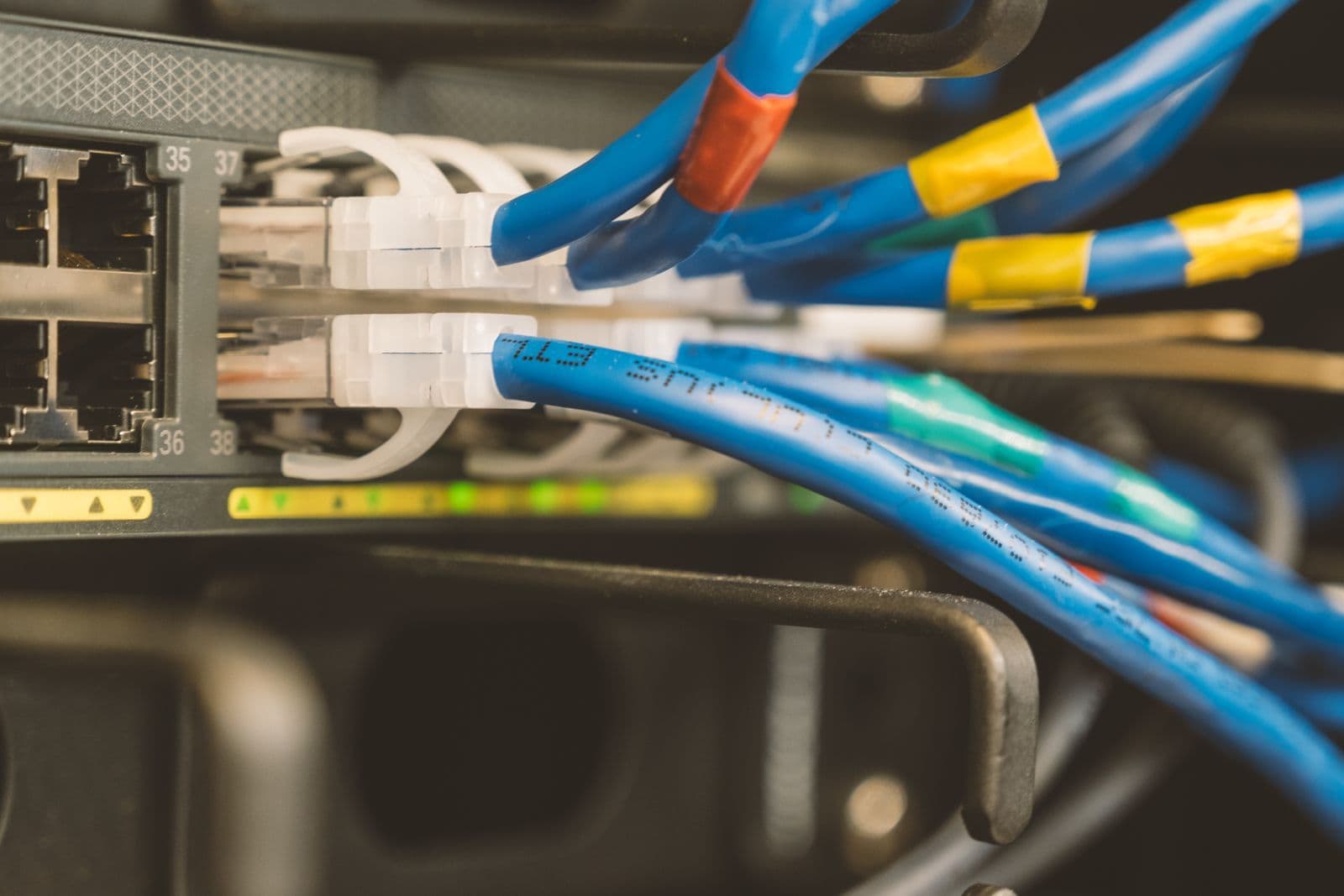
HFC NBN can support fast home internet, but selecting a plan is only part of the job. The connection box, router, Ethernet ports and Wi-Fi devices all influence what you actually experience. Start with the address and equipment already there before paying for a higher speed tier.
Quick answer
HFC NBN uses fibre and coaxial cable to connect the property, with an NBN connection box linking to your router. Available plans depend on the address and retailer. Check both download and upload speeds, equipment requirements and typical evening performance; the fastest wholesale tier is not a guarantee of device-level speed.
HFC NBN: what is connected to what?
HFC means Hybrid Fibre Coaxial. The network uses fibre and coaxial cable, with coaxial cable forming the final access link to the premises. Inside, an NBN connection box connects to your router using Ethernet. The router then provides your local wired and Wi-Fi network.
The NBN getting-connected guide explains the different technologies and equipment arrangements. HFC should not be confused with Fibre to the Premises, where fibre reaches the premises’ optical equipment, or Fibre to the Building, where the final link inside a building can use existing wiring.
If you are unsure what the address has, use our connection-type checker guide and confirm the result with the provider. A wall socket or a previous occupant’s router is not enough to establish current service eligibility.
Check the address before comparing speed tiers
Enter the complete address, including the unit or lot details. Ask the retailer to confirm the access technology, available speed profiles and whether any equipment change is needed. A general statement that HFC supports a tier does not guarantee the tier is orderable at every address through every retailer.
If the property is newly connected or its equipment is missing, the activation process can differ from a straightforward plan change. Tell the retailer what is present and whether a previous service worked there. Photographs of equipment labels can help support staff identify the setup without guesswork.
For a rental, coordinate any required access with the agent or owner. Do not arrange alterations to fixed cabling without the appropriate permissions and qualified installer. Choosing a plan and modifying the property are separate actions.
What changed with higher-speed HFC plans?
NBN’s higher-speed announcement introduced accelerated tiers and a residential wholesale HFC option of 2,000 Mbps download and 100 Mbps upload from September 2025. The corresponding FTTP hyperfast profile has a different upload figure. That distinction matters if sending large files is the main reason for upgrading.
Wholesale tier figures are not a promise of the speed each device receives. Retail offers, network conditions, equipment and local use all affect the experience. Check the retailer’s published typical evening download speed and any upload-performance information for the actual plan.
Older articles that describe HFC as permanently limited to a much lower tier can therefore be out of date. Equally, a headline saying “2 Gbps available” should not be read as a reason every household needs it. Match the tier to the tasks and equipment you have.
Download and upload needs are different
Streaming and large downloads primarily use downstream capacity. Video meetings, sending files and cloud backups need upstream capacity too. Several people can fill the upload side while plenty of download capacity remains, leading to a connection that feels inconsistent during work.
For a simple comparison, a 5 GB file contains approximately 40 gigabits. At a steady 20 Mbps upload, the idealised transfer time is about 33 minutes; at 100 Mbps it is about 6.7 minutes. Real transfers take longer because of overhead, server limits and competing traffic.
Use our upload-speed guide if that is your main bottleneck. Do not assume doubling an advertised download number doubles upload performance. Read both numbers in the plan profile and ask what is available for your HFC address.
Equipment checks before a speed upgrade
| Part of the setup | What to confirm | Why it can limit results |
|---|---|---|
| NBN connection box | Correct device and any required upgrade | Not every existing setup suits every new tier |
| Router WAN port | Supports the required connection speed | A slower WAN port caps traffic entering the router |
| Router LAN ports | Suitable for wired devices | A slower port can cap an individual device |
| Ethernet cables | Appropriate category and condition | Damaged or unsuitable cables can reduce link performance |
| Wi-Fi system | Capability, placement and coverage | Wireless conditions differ from the access-line speed |
| End device | Network adapter and practical performance | An older device may not use a faster plan fully |
A multi-gigabit plan particularly needs attention to port speeds. A 1 Gbps port cannot carry a 2 Gbps connection to one device at full rate. Ask the retailer what equipment is supplied and whether a quoted router upgrade is required, optional or separately charged.
The NBN box and your router are not the same thing
The connection box terminates the HFC service; the router shares the connection around the home. Replacing the router does not necessarily replace or repair the NBN box. When contacting support, describe which device has the warning light and what the label says.
Some combined modem-routers can operate as Ethernet WAN routers for HFC. Others may be unsuitable or require configuration. A VDSL capability intended for FTTN or FTTB is not the feature that makes a router work behind an HFC connection box.
Keep the correct power supplies with the equipment. Do not substitute an adapter simply because the plug fits. Follow provider instructions for restarting devices and allow the connection process to complete before repeating it. Avoid repeated factory resets unless support asks for one and you understand which settings will be lost.
Test wired performance before blaming HFC
If practical, test with a capable device connected by Ethernet to the router, with other major transfers paused. Compare several times of day and record the plan, device and connection method. A single Wi-Fi test from the far end of the house cannot isolate the NBN access service.
If wired results are satisfactory but Wi-Fi is poor, investigate router placement, obstructions, interference and coverage. A mesh system or wired access point may help some homes, but buy equipment to solve an identified problem rather than assuming a higher plan tier fixes weak signal.
If wired results are consistently below what the provider expects, contact support with the tests and equipment details. Let the retailer investigate the service rather than attempting work on coaxial cabling or the connection box yourself.
Compare price over the period you will keep the plan
Look beyond an introductory monthly price. Add the standard price after the promotion, modem costs, setup charges and cancellation obligations. If a plan costs an invented $75 for six months and $95 for six months, the first-year service total is $1,020 before other charges, not $900.
Compare equivalent speed profiles and inclusions. A higher-priced offer may include a router, backup or support feature you value, but record that separately. If you already own suitable equipment, check whether a bring-your-own-router option changes the cost.
The internet value calculator can help with recurring costs. For the final decision, use the retailer’s current critical information summary and the address-specific order. Our internet comparison page shows available options, not a guarantee that every tier is available everywhere.
Moving into or out of an HFC property
Check whether the NBN connection box and its power supply are present before moving day. If they are missing, tell the retailer early rather than assuming your own router replaces them. Leave NBN-supplied equipment with the premises as required when moving out.
Keep your personal router separate from the network equipment when packing. Photograph the existing connections if helpful, without sharing account credentials or Wi-Fi passwords publicly. At the new property, confirm the technology again; the equipment setup may be different even if the retailer is unchanged.
Coordinate service start and end dates and ask about any installation appointment. A retail order confirmation is not necessarily proof the service has been activated. Have a reasonable temporary internet option if connectivity is important immediately after the move.
Outages and backup
HFC equipment needs electricity. Supplying power to your router alone is not enough if the connection box is unpowered, and a wider network outage can still interrupt service. Avoid treating a small household battery backup as a complete availability guarantee.
If interruptions would be disruptive, compare a mobile fallback and test reception. Our 4G backup plan guide explains speed caps and hardware terms. Critical alarms or medical devices need specific advice from their supplier, not assumptions based on ordinary internet browsing.
Sources and review
The CompareUs Editorial Team checked NBN connection guidance, higher-speed tier information and NBN’s upgrade explanation on 27 September 2026. Transfer-time examples are idealised calculations; plan prices used in examples are invented. Confirm current address and equipment eligibility before ordering.
Where should you go next?
FAQs
What does HFC mean?
HFC stands for Hybrid Fibre Coaxial. Fibre and coaxial cable form parts of the access network, and the premises uses an NBN connection box connected to a compatible router.
Can HFC get faster than 100 Mbps?
Yes, eligible HFC addresses can access higher-speed plans from participating retailers. NBN has introduced a 2,000/100 Mbps wholesale HFC tier, but address eligibility, equipment and the retailer’s available offers must be checked.
Is the advertised speed guaranteed on Wi-Fi?
No. Router capability, device capability, placement, interference and other users affect Wi-Fi results. Compare provider performance information and test the connection appropriately before blaming the access technology.
Do I take the NBN box when moving?
NBN-supplied connection equipment belongs with the premises. Check the equipment instructions and leave the connection box and its power supply as required. Your own router is a separate item.
Can I use a VDSL-only modem for HFC?
A device needs suitable Ethernet WAN router capability for the HFC connection box. Some combined modem-routers support this, but a DSL function alone does not establish compatibility. Check the exact model.
Does HFC work in a power outage?
The connection box and router need power, and network equipment can also be affected. Do not assume a battery on one device keeps the full service available. See the separate outage-planning guide.