
Internet for Security Cameras and Video Doorbells
How to build a reliable, secure home connection for cameras without overbuying headline speed.
CompareUs Editorial TeamConsumer utilities editorial team
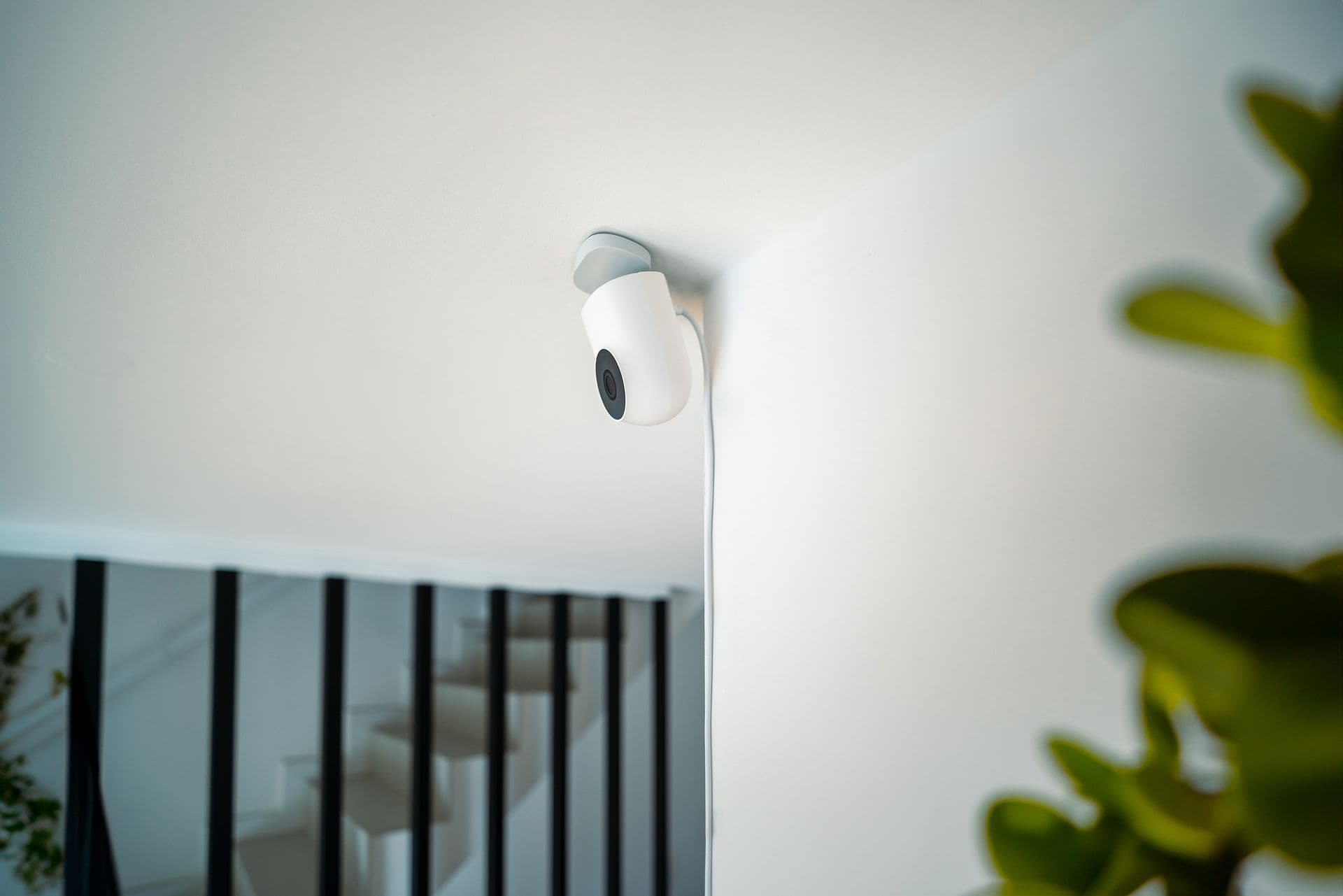
Choosing internet for security cameras is less about the biggest download number and more about steady upload capacity, Wi-Fi at the camera location and what the system does when either power or internet disappears. A video doorbell at the front gate may have a worse wireless path than a laptop beside the router.
Privacy belongs in the setup decision too. Cameras capture people, homes and routines. Before connecting one, understand where footage goes, who can view it, how long it is stored and whether household members can remove old access.
Quick answer
For security cameras and video doorbells, prioritise reliable upload speed, strong Wi-Fi at every camera, secure accounts and clear outage behaviour. Add each camera’s maximum upload requirement, allow headroom for simultaneous events and test from the installation point. Use unique passwords, updates, multi-factor authentication and a separated guest or IoT network where practical.
Key takeaways
- Upload speed matters when footage leaves the home.
- Signal at the camera matters more than signal beside the router.
- Cloud recording can continue using bandwidth during busy household periods.
- Secure accounts and connected-device access from day one.
Internet for security cameras
List every device, its resolution, frame rate, recording mode and whether footage is local or cloud-based. Manufacturer bandwidth estimates are a starting point. Multiply the per-camera maximum by the number that may upload together and leave headroom for video calls, backups and other household use.
Continuous cloud recording creates a different load from short motion clips. A camera with local storage may use less upstream bandwidth day to day but still need internet for alerts, remote viewing and updates.
Test Wi-Fi where the camera will live
Run a phone or laptop test at the doorbell, eaves, garage and side gate before drilling. Exterior walls, foil insulation, brick, metal doors and distance can weaken the signal. Test with doors closed and at the time the household normally uses the network heavily.
Moving the router, adding Ethernet, using a wired access point or choosing an appropriate mesh layout can be more effective than buying a faster NBN tier. Outdoor equipment and cabling should be installed safely and weatherproofed by suitable professionals.
Design for outages and evidence
Ask what continues during an internet outage, a power failure and a vendor-cloud outage. Some cameras record locally but cannot send alerts; others stop almost entirely. A battery doorbell may remain powered while the router does not.
Check how footage can be exported, whether timestamps remain accurate and how long clips are retained. If the camera supports safety or insurance needs, do not assume consumer cloud storage guarantees evidence availability.
Secure the smart-home network
Change default router, camera and app passwords; use unique passphrases and multi-factor authentication; install updates; review shared users; and remove access when someone moves out. Consider a guest or IoT network that separates smart devices from computers holding sensitive files.
Review privacy zones, microphone settings, cloud region, subscriptions and third-party integrations. Point cameras only where lawful and appropriate, and seek advice on surveillance, rental, strata or workplace rules that apply to the location.
Calculate peak upload, not average use
Four cameras may sit quiet for hours and then upload together when a person approaches the house. Add the highest expected concurrent streams, not the monthly average. Include two-way audio, remote live view and another household activity such as a video meeting during the same moment.
Run an upload test on a wired capable device to understand the service, then test wireless performance at each camera position. Leave headroom because protocol overhead, congestion and weaker signal mean a product cannot use every advertised megabit consistently.
Choose local and cloud storage deliberately
Cloud recording can protect footage if a camera is stolen, but it depends on internet, vendor service and subscription terms. Local storage can continue during some outages, but the recorder itself needs secure placement and power. Hybrid systems trade cost and complexity for resilience.
Read retention periods, download limits, video quality and what happens when a subscription lapses. Export one sample clip before an incident to confirm the file includes useful timing and resolution. A feature list is not evidence that the household knows how to retrieve footage.
Manage people as carefully as passwords
Review every account with access: residents, installers, former partners, tenants, property managers and shared family logins. Give each person the minimum access needed and remove it promptly when circumstances change. Shared credentials make it difficult to know who viewed or changed a device.
Discuss camera placement with the people who live there, including children and visitors where appropriate. Technology used for safety can become intrusive when microphones, indoor views or remote access are hidden. For rental, strata or legal boundaries, obtain current advice for the property and intended use.
A worked household example
A household plans four 2K cameras, each estimated to upload up to 3 Mbps during activity. Rather than assuming a 12 Mbps total is always enough, it allows headroom for simultaneous motion, a work video call and cloud backup. A test at the front door reveals weak Wi-Fi, so the family adds a wired access point and uses a separate IoT network instead of paying for a faster download tier alone.
The example shows a decision method rather than a promised saving, technical result or tax outcome. Replace every assumed price, speed, device requirement and household routine with current written information for your address. Promotions can end, providers can change terms, and a speed available to one connection may not be available to another.
A household review before you finish
Create a camera map that shows device, power source, network path, storage and account owner. Add the field of view and note nearby private spaces. The map helps with bandwidth and Wi-Fi planning, but it also forces a privacy review before cameras become permanent fixtures that everyone stops noticing.
Test alerts with the household using realistic conditions: night mode, two cameras triggered together, someone answering a video call and the front door closed. Measure delay and image quality from mobile data outside the home, not only while the phone shares the same Wi-Fi. A system that works only during a quiet setup test may miss the moment it was bought for.
Schedule a quarterly access check. Remove unknown sessions, update software, review subscriptions and verify that local storage has not failed silently. If a resident, tenant, installer or former partner no longer needs access, remove their account rather than only changing a display name. Connected security should become safer over time, not accumulate invisible users.
Review whether the system still solves the original problem after one month. Too many false alerts, poor night images or a subscription nobody expected can cause people to ignore notifications. Adjust zones, sensitivity and retention deliberately without aiming cameras at broader areas simply to compensate for poor placement. A smaller, trustworthy system is more useful than many feeds the household stops watching. Re-run the test after router, password or internet-plan changes so silent disconnections are found before an incident.
Your action checklist
- List cameras and recording modes.
- Add simultaneous upload needs.
- Test every installation point.
- Check outage and local-storage behaviour.
- Secure accounts and updates.
- Review access and privacy regularly.
Questions worth asking before you act
- What is maximum upload use per camera?
- Does it record without internet?
- Where is footage stored?
- Can I use a separate network?
- What happens when the subscription ends?
Ask for material answers in writing and save the critical information summary. Keep screenshots of time-limited offers, order confirmations, equipment terms, return tracking and complaint numbers. If a disagreement occurs later, a short paper trail is more useful than trying to reconstruct a sales conversation.
Technology and address notes
Required internet capacity depends on the product and recording mode, not one universal number. Fixed-line NBN generally offers stable household connectivity, while wireless alternatives depend more on local coverage and congestion. Verify product specifications and address-level plan capability.
Australia's home internet market includes NBN fixed line, Fixed Wireless, satellite, non-NBN fibre, 4G and 5G home internet and mobile broadband. Availability and real-world performance vary by address, technology, provider network, plan and in-home equipment. Always run the address check and read the current plan summary before relying on a national article.
Common mistakes to avoid
- Buying by download speed only.
- Testing Wi-Fi beside the router instead of outside.
- Leaving default passwords in place.
- Assuming battery power also means internet backup.
How CompareUs can help
Use this guide to understand the decision, then compare internet plans that are available for your address. You can also read the NBN speed test guide, understand typical evening speeds and browse more CompareUs guides.
CompareUs does not assume the fastest or cheapest advertised plan is automatically right for every household. Our editorial approach is to show the ongoing cost, technical dependencies and real-life friction so readers can make a decision they understand and revisit.
Sources reviewed
- eSafety Commissioner — manage digital safety settings — Home Wi-Fi passwords, device security and privacy settings.
- eSafety Commissioner — smart home safety — Security, software updates, guest networks and data-sharing checks for connected devices.
- NBN Co — optimise your home internet setup — Router placement, wired checks and compatibility guidance for connected devices.
- NBN Co — what happens in a power blackout — Technology-specific limitations and battery-backup context.
Where should you go next?
FAQs
Do security cameras need fast download speed?
Upload and local Wi-Fi reliability are often more important for sending footage to the cloud.
Will cameras work when internet is down?
Some record locally but lose alerts or remote access; others may stop. Check the exact model.
Does a battery camera work in a blackout?
The camera may stay powered, but routers and internet equipment also need backup.
Should cameras use a guest network?
A separated IoT or guest network can reduce exposure where the router and devices support it.
How much upload speed do I need?
Add the manufacturer’s maximum for simultaneous cameras and allow headroom for other use.
Are video-doorbell recordings private?
Review account access, storage, sharing and applicable surveillance rules before installation.