
Mesh Wi-Fi Explained: Do You Need It at Home?
A practical guide to mesh Wi-Fi for Australian homes with dead zones, thick walls or several floors.
CompareUs Editorial TeamConsumer utilities editorial team
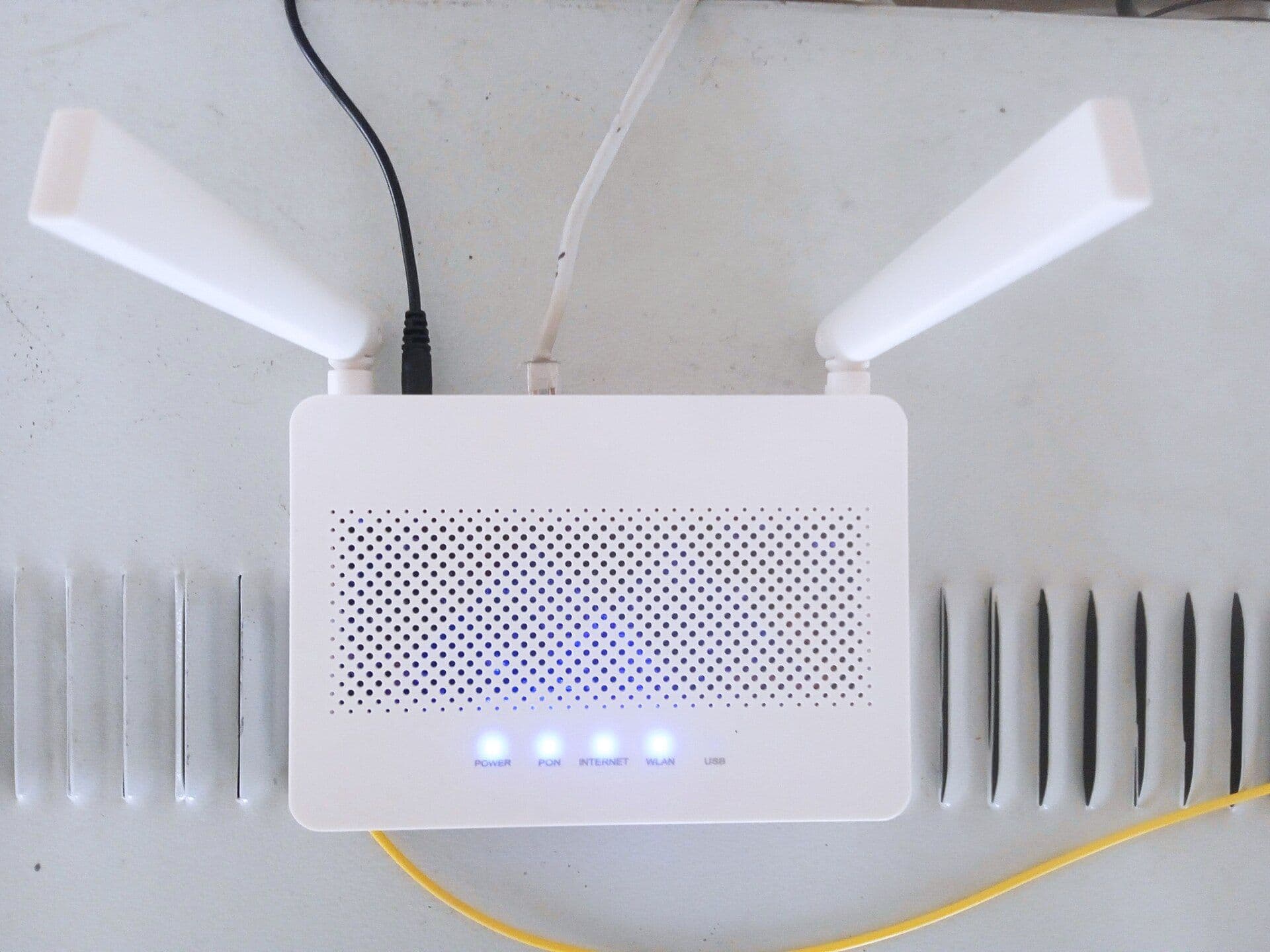
Mesh Wi-Fi is a group of wireless access points that work together as one home network. Instead of asking a single router to push through every wall, you place additional nodes around the home and devices move between them.
It is useful when the internet is healthy beside the router but unreliable in bedrooms, upstairs or at the far end of the house. It is not a cure for a slow NBN service.
How mesh Wi-Fi works
One mesh unit connects to the modem or NBN connection box and acts as the router. Other nodes communicate with it, either wirelessly or through Ethernet. They generally share one network name and coordinate which unit serves a device.
Wireless links between nodes use some capacity. An Ethernet backhaul—cabling the nodes together—usually gives the most predictable performance where the house allows it.
When mesh is worth considering
Mesh can be a good fit for a larger or multi-storey home, an awkward floor plan, thick walls, or several dead zones. It can also simplify management when you want one system rather than a collection of mismatched extenders.
Before buying, run the internet speed test beside the current router and again in the problem room. A large gap points to Wi-Fi coverage. Poor Ethernet and Wi-Fi results beside the router point elsewhere.
Mesh versus an extender
A Wi-Fi extender repeats an existing signal and can be a cheap fix for one small area. It may create a separate network name or provide less graceful roaming. Mesh systems are designed as a coordinated network and are usually easier to manage across several rooms, but cost more.
For one office just beyond reliable range, an access point connected by Ethernet may outperform both. The right choice depends on layout and cabling, not the number of antennas shown on the box.
Placement matters
Do not place a node at the very edge of the dead zone and expect it to create a strong connection from nothing. Put it roughly between the main router and the room that needs coverage, in the open and away from metal cabinets, large appliances and dense obstacles.
Start with fewer nodes. Too many closely spaced access points can add interference. Use the system's app or signal guidance, then test in the rooms that matter.
What to check before buying
- Whether the system can work with your provider and NBN setup.
- Whether it replaces the current router or can run in access-point mode.
- Wi-Fi generation and device compatibility.
- Number and speed of Ethernet ports.
- Support for wired backhaul.
- Security-update policy and parental controls.
- Extra subscriptions required for advertised features.
If you are unclear about the boxes, read modem versus router first. NBN Co also explains that its connection box may act as the modem while a separate router creates the home Wi-Fi network in many setups; see its connection-box guidance.
Set expectations
Mesh improves the path between devices and the router. It cannot increase the speed delivered by the provider, remove every source of interference or make an old device support a newer Wi-Fi standard.
After installation, repeat the same tests in the same rooms. If coverage is now consistent but the household still runs out of capacity, compare NBN speed tiers or internet plans. Diagnose first; spend second.
Where should you go next?
FAQs
Does mesh Wi-Fi make the internet faster?
It can improve speed in weak-coverage rooms, but it cannot make the NBN service entering the home faster than the plan or connection supports.
Is mesh Wi-Fi better than an extender?
Mesh usually provides more consistent roaming and management across a larger home. A simple extender may be enough for one small dead zone at lower cost.
Do I still need a modem with mesh Wi-Fi?
Possibly. A mesh unit is usually a router. The required modem or NBN connection box depends on your connection type and provider setup.
Where should mesh nodes go?
Place them in open areas where they still receive a strong signal from the main unit or another node—not inside the dead zone itself.