
NBN Full Fibre Installation Day: A Household Checklist
What to decide before the technician arrives so the fibre connection works for the whole home.
CompareUs Editorial TeamConsumer utilities editorial team
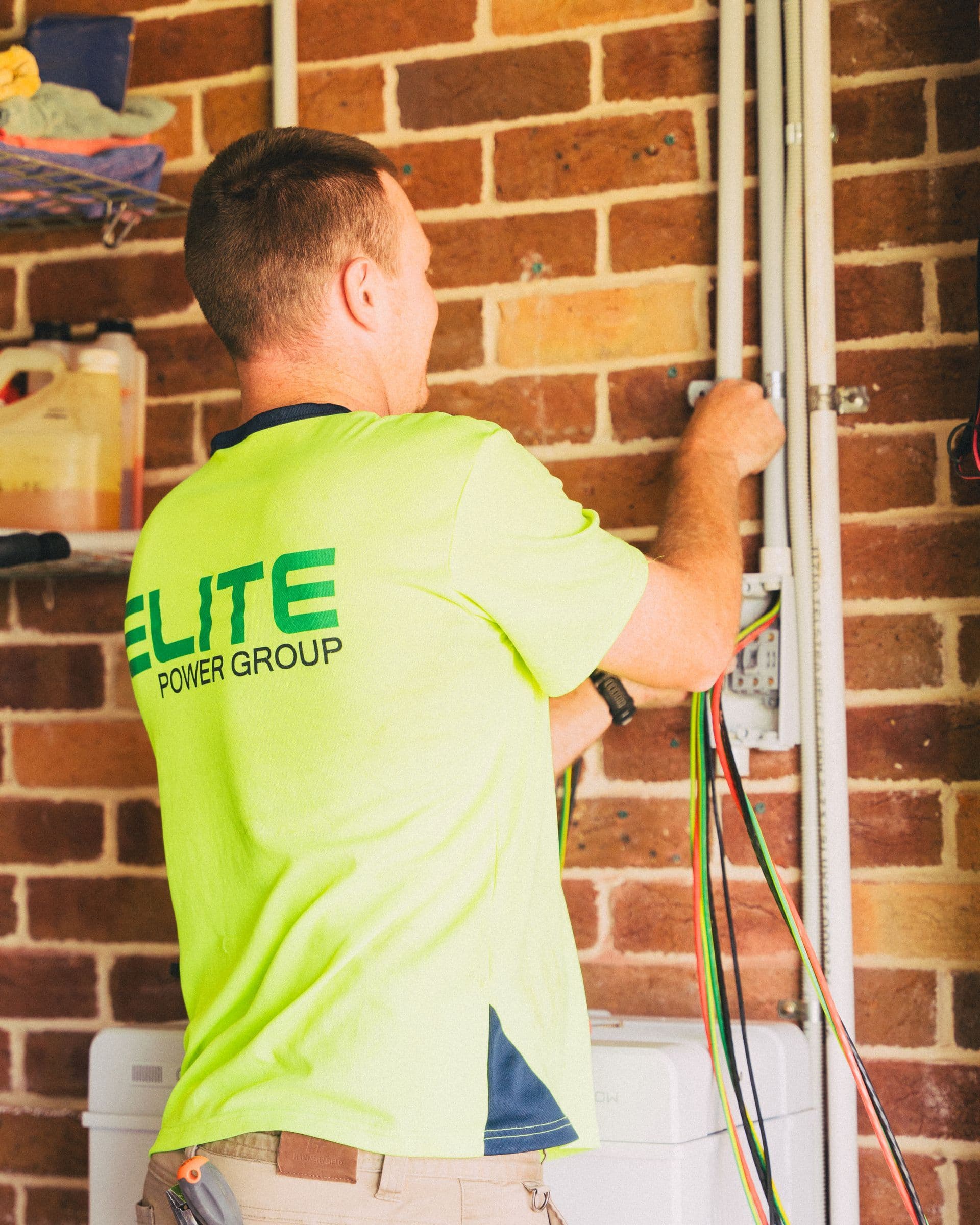
NBN full fibre installation day is easier when the household has already discussed access, equipment location and Wi-Fi. The technician can advise on compliant locations, but the best technical position is not always the place a family expects a box to appear.
Current NBN guidance says an adult must be present and installation commonly takes several hours. Renters may need landlord or property-manager permission because drilling or digging can be required. Preparation protects both the appointment and the future home-network layout.
Quick answer
Before NBN full fibre installation day, confirm the appointment, arrange an adult over 18, secure landlord permission if renting, clear access inside and outside, and choose a realistic connection-box location near power. Discuss router placement before approving work, photograph installed equipment and test the service before reorganising the room.
Key takeaways
- An authorised adult needs to provide access and consent.
- Renters should obtain permission before the appointment.
- Connection-box placement influences router and cabling choices.
- The fibre upgrade does not automatically fix weak Wi-Fi rooms.
NBN full fibre installation day
Confirm the date, arrival window and provider contact. Secure pets, unlock gates and clear the likely path from the street-side utility area to an internal power point. Tell the provider ahead of time about access, mobility or communication needs.
NBN guidance indicates installation may take roughly two to four hours and longer for complex premises. An adult over 18 should be available throughout, not merely to open the door.
Choose the connection-box location carefully
The technician must follow safety and installation specifications, including distance from power and the outside utility box. Within those limits, discuss where the router will sit, which rooms need strong Wi-Fi and whether a wired run would improve the layout.
Avoid approving a convenient garage corner without considering thick walls, metal doors and distance to living areas. If the preferred box position is not feasible, ask about a compliant pathway or running Ethernet from the connection box to a better router location through a registered cabler.
Know what will be installed
A typical upgrade involves fibre cabling, an external utility box and an NBN connection box and power supply inside. Existing infrastructure and the property can change the route. Ask before drilling begins and make sure you understand which equipment remains with the premises.
Do not expect the technician to redesign the entire home network. Extra internal cabling, wall repairs, mesh systems or moving a router may be outside the standard installation scope and require separate work.
Test before declaring the job finished
After activation, check the connection at the router and run a wired speed test on a capable device. Then test Wi-Fi in the rooms that matter. Save photos of serial labels, light states and cable routes without publishing them publicly.
If the old service remains active while the provider finalises activation, follow the provider’s sequence. Do not discard working equipment until the new connection has been stable and ownership is clear.
Walk the likely cable route beforehand
Start outside where existing telecommunications enter, then walk toward the preferred internal box position. Note fences, locked side passages, gardens, pets, asbestos concerns, finished walls and power points. You are not designing the route for the technician; you are identifying constraints before the appointment clock is running.
Inside, clear furniture and personal items from possible work areas. If someone in the home has sensory, mobility or communication needs, tell the provider ahead of time and agree who will speak with the technician. A calm access plan makes consent more meaningful.
Design router placement as a separate decision
The fibre connection box terminates NBN service; the router distributes connectivity through the home. They can sit together, but they do not always need to. If the compliant NBN-box location has poor wireless reach, ask about Ethernet to a central router or access point.
Mark the rooms used for work, study, streaming, gaming and connected safety devices. After activation, test those rooms individually. A fast wired result beside the connection box proves the access service, not whole-home Wi-Fi coverage.
Close the appointment with evidence
Before the technician leaves, understand which equipment was installed, what each normal indicator looks like and who to contact if activation is incomplete. Photograph the general installation and cable path without sharing serial numbers online. Note any promised return visit or unfinished civil work.
Once the provider activates the service, test a capable wired device and then Wi-Fi. Keep the old router and service arrangements until the new path is stable and the provider confirms what can be disconnected or returned. Report damage or a disputed installation promptly with photos and the appointment details.
A worked household example
A family initially chooses the laundry because it has power near the external wall. During the pre-installation discussion, they realise two home offices sit at the opposite end of the brick house. The technician cannot place the NBN box in the hallway they prefer, so they accept a compliant utility location and arrange registered Ethernet cabling to a central router point instead of relying on a weak wireless path.
The example shows a decision method rather than a promised saving, technical result or tax outcome. Replace every assumed price, speed, device requirement and household routine with current written information for your address. Promotions can end, providers can change terms, and a speed available to one connection may not be available to another.
A household review before you finish
Hold a brief household conversation before the appointment. Show everyone the likely equipment area, explain that power must remain available and ask whether the proposed router position creates a problem for work, sleep or accessibility. This can surface issues—flashing lights in a bedroom, cables across a path or a locked room—while alternatives are still easier to discuss.
Prepare questions on paper because installation activity is distracting. Prioritise location, drilling, external route, unfinished work and activation. Listen to the technician's safety and feasibility advice; a preferred location is not guaranteed. If the only compliant standard location is unsuitable for Wi-Fi, separate the fibre decision from a later registered-cabling solution.
After the appointment, label power supplies without covering ventilation, keep NBN equipment connected and share the provider support number with the household. Update any moving-house records to say which boxes remain at the premises. Future residents should not mistake network equipment for something that belongs in a moving carton.
In the week after activation, ask each person whether their normal room and device work as expected. Fibre can expose an old router, cable or Wi-Fi limitation that was less obvious on a slower plan. Resolve that separately from the NBN installation record. This distinction helps the provider, technician or private cabler address the right layer instead of sending the household between support teams. Keep the final equipment location in the household's property file for future moves, repairs and renovations.
Your action checklist
- Confirm the appointment and adult attendance.
- Obtain rental permission.
- Clear internal and external access.
- Plan connection-box and router locations.
- Secure pets and note access needs.
- Photograph and test the completed setup.
Questions worth asking before you act
- Where can the internal box legally go?
- How will fibre reach the property?
- Will drilling or digging be required?
- What work is outside the standard installation?
- When will my provider activate the service?
Ask for material answers in writing and save the critical information summary. Keep screenshots of time-limited offers, order confirmations, equipment terms, return tracking and complaint numbers. If a disagreement occurs later, a short paper trail is more useful than trying to reconstruct a sales conversation.
Technology and address notes
This checklist focuses on full fibre upgrades for typical standalone homes. Apartments, strata properties, complex premises and new developments may follow different pathways. Eligibility and ordering should be confirmed for the exact address.
Australia's home internet market includes NBN fixed line, Fixed Wireless, satellite, non-NBN fibre, 4G and 5G home internet and mobile broadband. Availability and real-world performance vary by address, technology, provider network, plan and in-home equipment. Always run the address check and read the current plan summary before relying on a national article.
Common mistakes to avoid
- Choosing the box location without thinking about Wi-Fi.
- Assuming the standard install includes all internal cabling.
- Forgetting landlord approval.
- Discarding old equipment before activation is stable.
How CompareUs can help
Use this guide to understand the decision, then compare internet plans that are available for your address. You can also read the NBN speed test guide, understand typical evening speeds and browse more CompareUs guides.
CompareUs does not assume the fastest or cheapest advertised plan is automatically right for every household. Our editorial approach is to show the ongoing cost, technical dependencies and real-life friction so readers can make a decision they understand and revisit.
Sources reviewed
- NBN Co — full fibre installation step-by-step guide — Current installation-day access, equipment, timing and location requirements.
- NBN Co — FTTC high-speed upgrade requirement removed — The 1 July 2026 change allowing eligible FTTC premises to order full fibre without a high-speed plan requirement.
- NBN Co — optimise your home internet setup — Router placement, wired checks and compatibility guidance for connected devices.
Where should you go next?
FAQs
How long does full fibre installation take?
NBN guidance commonly allows several hours; complex work can take longer.
Does someone need to be home?
Yes. An authorised person over 18 generally needs to provide access and consent.
Do renters need permission?
Yes, because drilling or other property work may be required.
Can I choose where the NBN box goes?
You can discuss preferences, but the location must meet installation and safety specifications.
Will FTTP fix every Wi-Fi problem?
No. Fibre improves the access connection; router placement and home layout still affect Wi-Fi.
Can I keep using the old connection during incomplete work?
Often the existing service remains available, but follow your provider’s instructions for the specific upgrade.