
NBN Modem Rental vs Buying Your Own: The 12-Month Test
A practical ownership and support test for choosing how to get your next NBN modem or router.
CompareUs Editorial TeamConsumer utilities editorial team
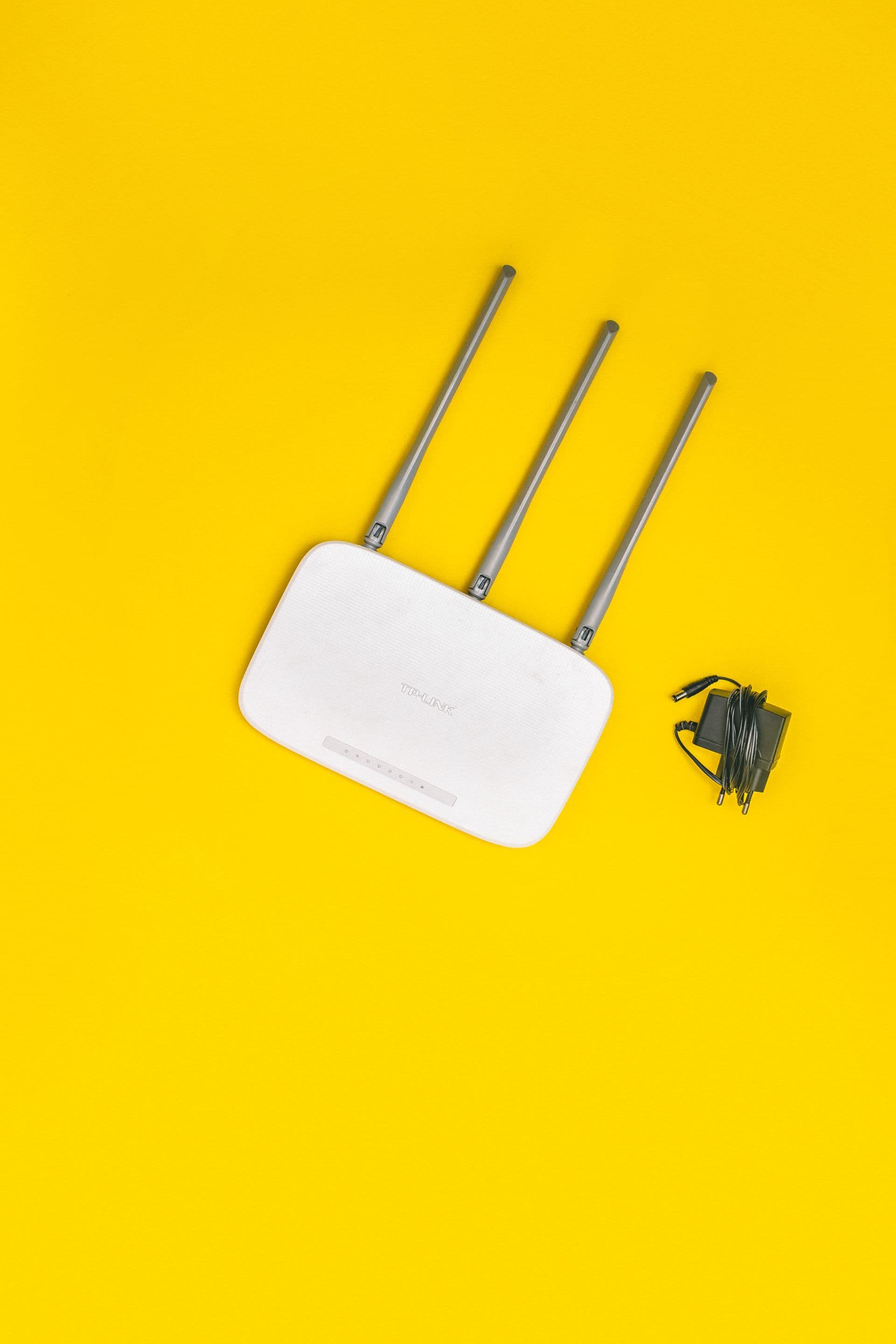
The NBN modem rental vs buying your own decision is rarely just about an upfront price. Provider support, voice compatibility, Wi-Fi coverage, firmware updates, ownership and what happens when you switch can outweigh a small monthly difference.
First clarify the product. Many households call every box a modem, but the NBN connection device and the Wi-Fi router perform different jobs. The retail offer usually concerns the router or gateway, while NBN-owned equipment stays with the premises.
Quick answer
Choose provider-supplied equipment when simple setup, phone compatibility and one support contact matter most. Buying your own can offer better Wi-Fi and long-term ownership, but only if it is compatible and you can configure it. Compare the full 12-month cost, exit balance, warranty and support—not merely the monthly label.
Key takeaways
- Identify whether the equipment is rented, repaid or conditionally free.
- Confirm compatibility with the connection and any home phone.
- Compare Wi-Fi needs separately from NBN speed.
- Ownership is valuable only if the router remains useful after switching.
NBN modem rental vs buying your own
Write down the upfront payment, monthly charge, repayment length, delivery, non-return fee and amount payable if you leave. ‘Included’ may mean the price is bundled, while ‘$0 if you stay’ may create a declining exit amount.
For a purchased router, include delivery, any adapter, mesh units and setup help. Divide the total by the realistic years of use, not the maximum life printed in marketing.
Compatibility before performance
Ask the provider whether it supports BYO equipment on your exact technology and whether it will supply settings. Services with a provider voice line may need a supported gateway. VLAN, authentication and connection details can vary.
The router’s WAN port must support the plan speed, and its Wi-Fi should suit the devices and layout. A premium Wi-Fi 7 router does not fix an underperforming line, poor placement or an old laptop limited to an earlier Wi-Fi standard.
The support trade-off
A provider-supplied gateway gives support staff a known interface and remote diagnostics. That can be worthwhile for someone who wants one accountable contact. With BYO equipment, the provider may ask you to test using a supported router before escalating a fault.
Buying your own gives more control over settings, updates, guest networks and future providers. It also makes you responsible for firmware, security and diagnosing whether a fault sits in the router or service.
Plan for switching and failure
Check whether provider equipment remains locked to one service, can be reset for another or must be returned. Keep packaging and proof of purchase until the return period and warranty are clear.
Every household should know what happens if the router fails. Compare replacement lead time, warranty handling and whether a spare or phone hotspot can cover essential work while support investigates.
Translate the equipment offer into ownership
Ask one blunt question: who owns the router on day one, month twelve and at the end of the stated period? Providers use rental, repayment, return-credit and conditional-inclusion models. The advertising label matters less than the amount payable if you cancel on a specific date.
For a bought router, ownership begins immediately but useful life is not guaranteed. Check the warranty, security-update policy and whether the manufacturer still supports the model. A cheap device that stops receiving updates or cannot handle a future speed tier may cost more over several years.
Match hardware to the floor plan
Count floors, long corridors, dense walls and outdoor areas before comparing specifications. A single high-end router in a poor corner can perform worse than a modest system with a well-placed wired access point. Measure the distance from the NBN connection box to the place the household actually wants Wi-Fi.
If considering mesh, check whether units use wireless or Ethernet backhaul and whether the provider supports that arrangement. Extra nodes do not create extra internet capacity; they extend the home network. Placement and backhaul determine whether they preserve enough speed for distant rooms.
Plan the first support call
Imagine the internet fails on a Monday morning. With provider equipment, support may see device status and guide settings from a known interface. With BYO equipment, you may need to prove the line fails with a supported setup or connect a laptop directly where safe and possible.
Keep the old compatible router if you own it and it still receives safe updates. Label its power supply and save the basic configuration. A spare can distinguish hardware failure from service failure and keep a household online while a warranty replacement travels.
A worked household example
Priya can take a provider router for $8 a month over 24 months or buy a compatible $190 router. Over 12 months, the provider option appears cheaper at $96, but leaving then requires the remaining $96. The purchased router costs $190 and needs manual setup, yet Priya expects to keep it through two provider changes. She chooses ownership because control and reuse matter more than first-year cash flow.
The example shows a decision method rather than a promised saving, technical result or tax outcome. Replace every assumed price, speed, device requirement and household routine with current written information for your address. Promotions can end, providers can change terms, and a speed available to one connection may not be available to another.
A household review before you finish
List the household's non-negotiable router functions before looking at brands: voice port, parental controls, guest network, VPN, Ethernet ports, mesh support, accessibility of the app and enough performance for the plan. This stops a discounted device with impressive wireless labels from winning despite missing the one feature the home actually uses.
Check where security responsibility sits. Ask how long provider equipment receives automatic updates and whether a bought model still has supported firmware. Change default administration and Wi-Fi credentials, disable remote access you do not use and store recovery details securely. Ownership brings control, but also the job of maintaining a network device that protects every connected product.
After setup, keep a note containing the model, purchase date, warranty, provider settings and reset procedure. Do not record the active password in an exposed document. This small equipment record saves time when changing providers and gives another household member a path to support if the usual technical person is unavailable.
Do not throw away the decision once the router is installed. Test wired speed, Wi-Fi in priority rooms, voice if included and an ordinary evening with several users. If the equipment cannot meet the purpose explained to the seller, document the results promptly. Consumer guarantees and voluntary warranties are different, so keep the receipt, advertised specifications and support correspondence together. Recheck firmware and warranty status each year, especially before relying on the router for another provider switch.
Your action checklist
- Identify all equipment and ownership rules.
- Confirm connection and voice compatibility.
- Check WAN and Wi-Fi capability.
- Calculate 12- and 24-month totals.
- Compare support responsibility.
- Plan for returns and failures.
Questions worth asking before you act
- Do I own this equipment?
- What is payable if I leave after 12 months?
- Will you support BYO setup?
- Does the home phone require your gateway?
- Who handles a faulty router?
Ask for material answers in writing and save the critical information summary. Keep screenshots of time-limited offers, order confirmations, equipment terms, return tracking and complaint numbers. If a disagreement occurs later, a short paper trail is more useful than trying to reconstruct a sales conversation.
Technology and address notes
FTTP, HFC, FTTC, FTTN, FTTB, Fixed Wireless and satellite services connect differently. A router suitable for one setup may need different ports or settings on another. Confirm against the address and provider, particularly when voice is included.
Australia's home internet market includes NBN fixed line, Fixed Wireless, satellite, non-NBN fibre, 4G and 5G home internet and mobile broadband. Availability and real-world performance vary by address, technology, provider network, plan and in-home equipment. Always run the address check and read the current plan summary before relying on a national article.
Common mistakes to avoid
- Calling the NBN connection box a provider modem.
- Buying before checking voice support.
- Judging Wi-Fi by the plan speed alone.
- Ignoring the remaining balance when switching.
How CompareUs can help
Use this guide to understand the decision, then compare internet plans that are available for your address. You can also read the NBN speed test guide, understand typical evening speeds and browse more CompareUs guides.
CompareUs does not assume the fastest or cheapest advertised plan is automatically right for every household. Our editorial approach is to show the ongoing cost, technical dependencies and real-life friction so readers can make a decision they understand and revisit.
Sources reviewed
- NBN Co — optimise your home internet setup — Router placement, wired checks and compatibility guidance for connected devices.
- ACMA — understand your phone or internet contract — Contract terms, early termination fees, critical information summaries and changing providers.
- ACCC — consumer rights and guarantees — Consumer guarantees for products, services and bundled equipment.
- ACCC — broadband speeds — Advertising expectations, speed claims and steps when performance is misleading.
Where should you go next?
FAQs
Is an NBN modem the same as a router?
Not always. NBN equipment connects the premises; the retail gateway usually creates the home network and Wi-Fi.
Can I use any router with NBN?
No. It must suit the connection, plan speed and provider settings.
Is provider equipment really free?
Sometimes it is conditional on staying or returning it. Read the equipment terms.
Will my provider support a BYO router?
Support levels vary. Ask before buying.
Can a better router improve speed?
It can improve in-home Wi-Fi, but cannot exceed service or device limitations.
Should I keep the old router?
If you own it, a working spare can help diagnose faults and provide temporary backup.