
Starlink vs Sky Muster Plus Premium Compared
A practical satellite-internet comparison for regional and remote Australian homes choosing between Starlink and Sky Muster Plus Premium.
CompareUs Editorial TeamConsumer utilities editorial team
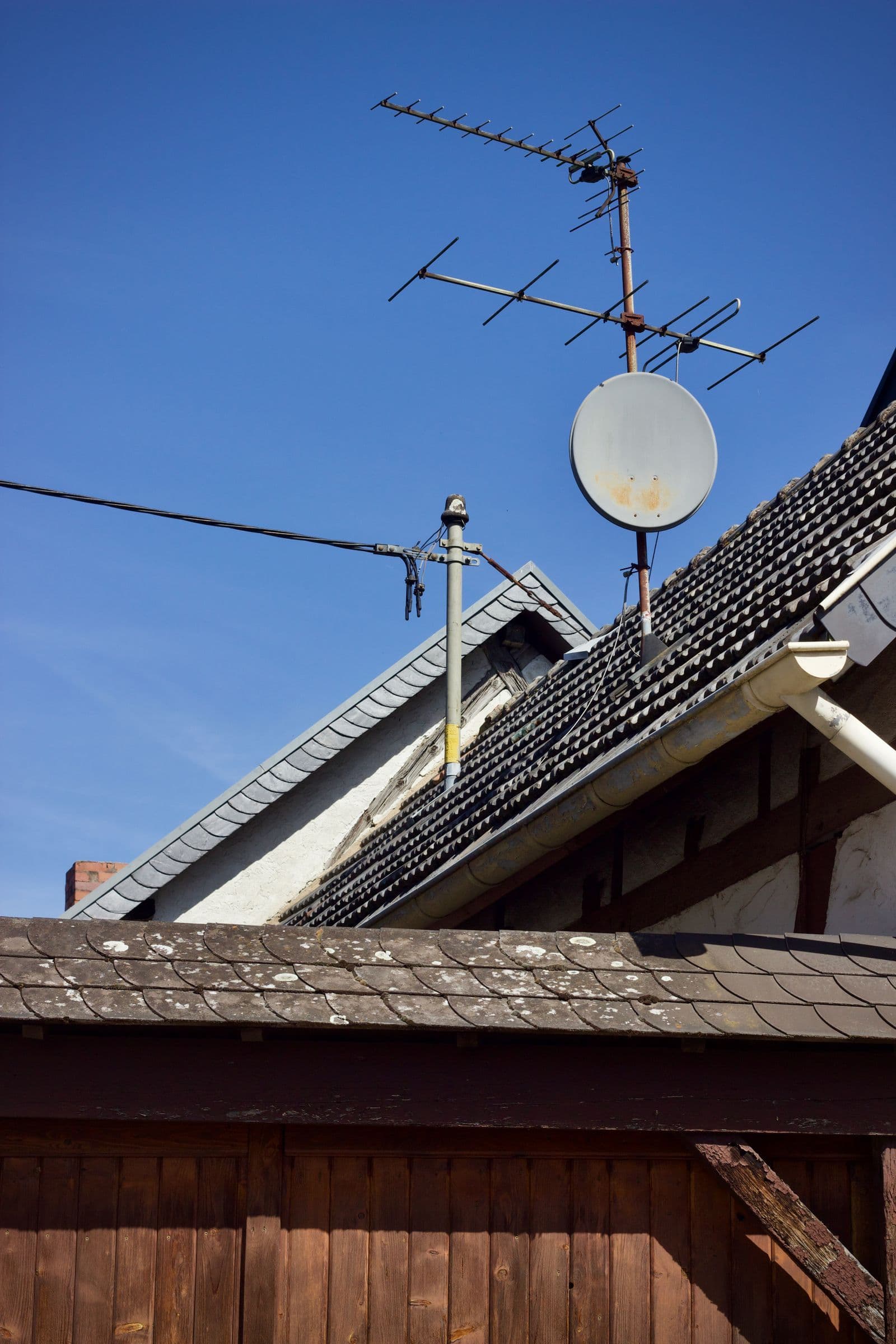
Starlink vs Sky Muster Plus Premium is a genuine choice for some remote Australian households, but it is not a simple race between two download numbers. Starlink uses a large low-Earth-orbit satellite constellation and customer-purchased or supplied hardware. Sky Muster Plus Premium uses NBN's Australian satellite network, provider-based support and NBN-installed equipment.
The distance to the satellites affects latency, while the service model affects installation, hardware ownership, repairs and switching. Trees, rooflines, heavy weather and the physical location of the dish matter for both. A fair comparison therefore starts with what is available at the address and how important support, responsiveness and upfront cost are to the household.
Quick answer: Starlink vs Sky Muster Plus Premium
Starlink often appeals to rural users seeking lower satellite latency and higher download potential, while Sky Muster Plus Premium offers NBN-installed equipment, Australian wholesale support and several uncapped-data tiers. Compare total hardware cost, clear-sky dish placement, busy-period expectations, upload needs and repair arrangements at the exact property.
Key takeaways
- Low-Earth-orbit and geostationary satellite services have different latency characteristics.
- Sky Muster Plus Premium provides uncapped data usage subject to fair-use and shaping terms.
- Starlink hardware, installation approach and plan terms should be checked directly before purchase.
- A clear view of the sky is essential, and obstructions can cause repeated interruptions.
- Remote households should plan for power outages and equipment failures, not only everyday speed.
Starlink vs Sky Muster Plus Premium: side-by-side comparison
The table is a decision aid, not a substitute for an address check or current plan document. Read across the factors that match the household rather than choosing from the first row that looks favourable.
Why orbit height changes the experience
A geostationary satellite remains in a fixed position relative to Earth but sits much farther away. That long signal path introduces latency that is noticeable in real-time tasks, even when a download test looks respectable. Sky Muster can support streaming, browsing, video calls and learning, yet rapid-response gaming and some remote-control applications remain challenging.
Starlink's satellites orbit much closer, which can reduce the delay. The dish tracks the moving network electronically and needs a wide, unobstructed view. Lower latency is a meaningful advantage, but it does not make the service identical to fibre. Routing, congestion, Wi-Fi and weather still influence the result.
Speed, data and fair-use conditions
NBN publishes three Sky Muster Plus Premium product levels. Its current page describes maximum wholesale speeds up to 25/5Mbps, 50/5Mbps and 100/5Mbps, with anticipated busy-period downloads that differ by tier. Faster upload bursts may occur on higher products, but they are not the same as a fixed upload entitlement.
Starlink performance is expressed differently and can change as capacity, satellites and plan policies evolve. Read the current service description for the address and check whether prioritisation, fair-use rules or plan variants apply. For either service, upload performance deserves special attention if the home sends large files, runs cloud cameras or hosts frequent video meetings.
Equipment, installation and repairs
Sky Muster uses an NBN-arranged standard installation and NBN equipment. Existing eligible customers can move between Plus Premium tiers without replacing the satellite equipment. The retail provider remains the first contact for service issues and coordinates NBN support where required.
Starlink users should check the current kit, mounting options, delivery, ownership, warranty and professional-installation availability. A temporary ground mount may be useful for testing, but a permanent site must account for wind, animals, vehicles, vegetation and safe cabling. Roof work and fixed cabling should be handled by appropriately qualified people.
Weather, power and remote resilience
Heavy rain and storms can affect satellite links. The dish also needs continuous power, as does the router and any local network equipment. If communications are essential for work, health or emergency planning, consider a suitable uninterruptible power supply, a separate mobile service where coverage exists and offline copies of key information.
Support logistics matter more in a remote location. Ask who replaces faulty hardware, whether a technician travels to the property, what the likely process is and how the household communicates while the service is down. A slightly cheaper plan can be poor value if the repair path does not suit the location.
How to compare options in the real world
A high-quality comparison moves from the address to the household and then to the contract. The following checks are deliberately practical: they are the questions that expose whether an attractive plan will still make sense after installation and after the first promotion has finished.
Address eligibility
Run NBN and Starlink availability checks for the exact property. Treat this as an eligibility gate: if the answer is uncertain, resolve it before using price as a tie-breaker. Save the address result or written provider response with the order.
Clear-sky position
Assess trees, buildings, ridgelines and safe mounting before ordering equipment. Give current, plan-specific evidence more weight than a single review or speed test from another household. Note the date because network performance and advertising can change.
Latency sensitivity
Give extra weight to delay for live gaming, remote control and interactive work. Translate the specification into a household job—such as a video call, backup or game session—so it is clear what a better result would improve in practice.
Total setup cost
Include hardware, delivery, mounts, professional work, router coverage and power backup. Include the equipment in the comparison rather than treating it as a free extra. Ownership, compatibility and return rules can change both performance and the cost of leaving.
Repair pathway
Compare equipment ownership, warranty, provider support and technician access. Put this figure into a twelve-month worksheet beside every shortlist option. That prevents an introductory offer or omitted fee from deciding the comparison by accident.
Test the service, not the marketing
Start with evidence from the exact address. Broadband products are delivered to premises, not suburbs in the abstract, and two homes on the same street can have different access technology, signal conditions or installed equipment. Save the address-check result and the plan document shown when you order; they provide a much stronger benchmark than a national maximum or a neighbour's experience.
Next separate the internet service from the network inside the home. A controlled Ethernet test shows what reaches the router, while a Wi-Fi test shows what reaches a particular room and device. Both results matter to the household, but they point to different fixes. Changing provider cannot repair a poorly placed access point, and buying a mesh kit cannot create wholesale capacity that is missing upstream.
Finally test at the time the connection matters. An evening streaming household, a daytime remote worker and a creator running overnight transfers can see different constraints. Keep several results rather than the most flattering or disappointing test. A useful comparison describes a pattern, not a screenshot chosen to prove a prior opinion.
Household examples
These examples show how the same market information can produce different answers. They are not recommendations for a particular provider; availability, prices and equipment must still be checked for the individual address.
Remote professional
Daily work includes video meetings, cloud systems and large downloads. Starlink may be the stronger performance shortlist where the property has a clear sky view. Confirm upload behaviour, hardware terms and a backup communication method. The sensible next step is to confirm the address and current terms, then test the result during the household's busiest period.
Budget-conscious remote home
The household mainly browses, streams and calls family, and values installed equipment support. A suitable Sky Muster Plus Premium tier may offer a simpler service model. Account for geostationary latency and the tier's expected busy-period performance. Here, a stable connection and suitable home network are more valuable than the largest number printed on the plan card.
Obstructed bush block
Tall trees surround the home and safe roof access is limited. Obtain a proper obstruction and installation assessment before choosing either service. Repeated obstruction is not fixed by buying a faster plan. This decision should be reviewed after activation because equipment, signal conditions and actual household behaviour can overturn a paper comparison.
A practical sign-up checklist
- Qualify the exact address and note the access technology, available tiers and any installation work.
- Choose the household's required download, upload, latency and reliability before looking at provider promotions.
- Compare typical busy-period information and read the current Critical Information Summary for each shortlisted plan.
- Calculate twelve months of plan charges, setup, delivery and hardware, then record the normal ongoing price.
- Check router compatibility, port speeds, Wi-Fi coverage, voice requirements and equipment return conditions.
- Read the fault, complaint, cancellation and switching process before the service is under pressure.
- Keep the existing connection until the replacement is active and tested when continuity is important.
This process may feel slower than clicking the first discount, but it usually takes less time than disputing a surprise modem charge or diagnosing a plan that was never suitable. A comparison is complete only when speed, support, equipment and exit terms have all been considered.
Common mistakes to avoid
- Comparing only peak download speed and overlooking latency.
- Ordering hardware before checking for a safe, unobstructed dish location.
- Assuming uncapped data means no fair-use or shaping conditions.
- Ignoring upload performance for cameras, work and cloud backup.
- Failing to plan for power loss or a hardware fault at a remote property.
Most of these mistakes come from comparing one visible number while leaving the harder details unexamined. The remedy is simple: use the same address, tier, time period and household workload for every option, and give written plan documents more weight than sales shorthand.
Compare internet plans with CompareUs
Use the CompareUs internet comparison to review suitable plans, then check the internet provider directory and the NBN speed calculator. The internet value calculator can help turn promotions, hardware and ongoing charges into a fair cost comparison. For technology and address context, use the NBN availability calculator.
Plan availability, prices and performance claims can change. Confirm the current offer with the provider before ordering, keep the Critical Information Summary and schedule a review when any discount expires. CompareUs provides general information and does not assume one provider or technology is best for every household.
Sources and methodology
This guide prioritises Australian regulators, network operators, current provider documents and other first-party technical sources. Provider pages were used for product conditions, not as independent proof that one provider is superior. Sources were checked for this August 2026 publication batch.
- NBN Sky Muster Plus Premium — Current tiers, busy-period estimates, uncapped usage and installation model.
- NBN Sky Muster explained — Satellite service and fair-use context.
- NBN Fixed Wireless and Satellite Upgrade Program — Current upgrade and migration context.
- ACMA problems with the NBN — Responsibility and complaint pathway.
- Department Regional Broadband Scheme — Regional broadband-policy context.
Where should you go next?
FAQs
Is Starlink faster than Sky Muster Plus Premium?
Starlink can offer higher download potential and lower latency, but actual performance varies. Sky Muster Plus Premium publishes tier-specific wholesale maximums and anticipated busy-period speeds. Compare current address-specific information.
Does Sky Muster Plus Premium have unlimited data?
NBN describes the service as providing uncapped data usage for all internet activities, subject to its fair-use policy and shaping conditions.
Who owns the Sky Muster equipment?
The satellite dish and NBN connection equipment form part of the NBN service infrastructure. Leave them at the property and report faults through the retail provider.
Can rain stop satellite internet?
Heavy rain and severe weather can weaken satellite signals. Correct installation and a clear view help, but no satellite service is completely immune to weather-related interruption.
Which satellite option is better for gaming?
Starlink's lower-orbit design generally makes it the more plausible satellite option for latency-sensitive gaming. Results still depend on routing, congestion, Wi-Fi and the game server.
Can I keep satellite internet when I move?
Both services require availability and installation checks at the new property. Starlink portability terms and NBN Sky Muster eligibility should be verified before the move.