
Why Is My Upgraded NBN Still Slow? Router, Wi-Fi and Connection Checks
A troubleshooting checklist for households whose faster NBN plan still feels slow.
CompareUs Editorial TeamConsumer utilities editorial team
Quick answer: upgraded NBN still slow
If your upgraded NBN still slow problem persists, do not assume the speed tier failed. Test with Ethernet, then check router capability, Wi-Fi band, router location, home cabling, device limits, outages and whether the provider is delivering the advertised service.
Start with a wired speed test
Wi-Fi is often the first bottleneck. If possible, connect a laptop directly to the router with Ethernet and run a speed test. Close downloads, streaming apps and cloud backups during the test.
If Ethernet is fast but Wi-Fi is slow, the NBN service may be fine and the home network needs work. If Ethernet is also slow, the issue may be the provider, NBN line, plan setup or equipment.
Router capability
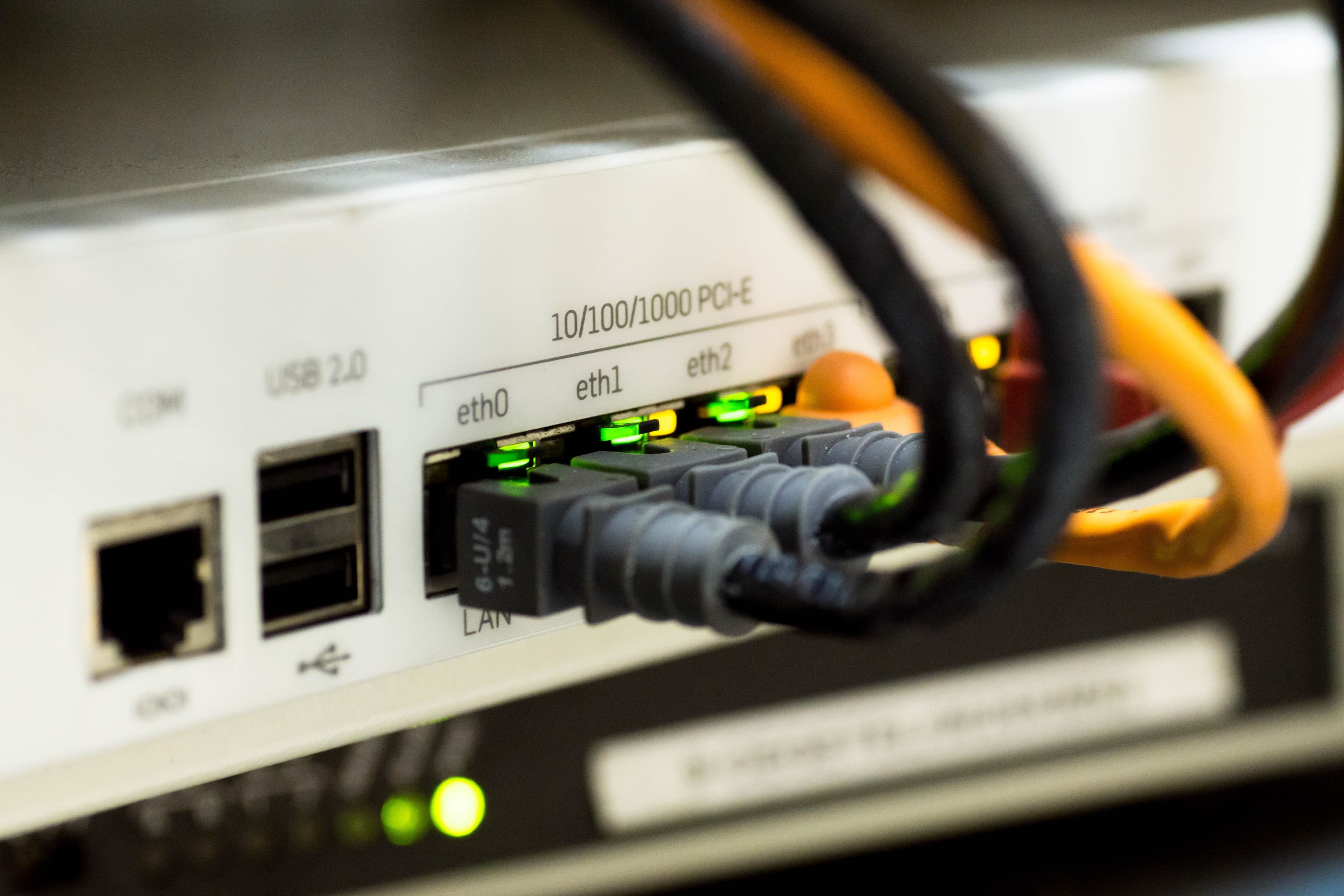
The ACCC's broadband performance data notes that older routers can constrain speeds above 100 Mbps. That matters after the speed upgrades because many households moved to plans where old equipment is suddenly the limit.
Check whether your router has gigabit Ethernet ports, supports newer Wi-Fi standards, and can handle the number of devices in the home.
Wi-Fi placement and band
ACMA says slow Wi-Fi can be caused by router type, frequency band, location, other devices and interference.
Try:
- moving the router to a central spot;
- lifting it off the floor;
- using 5 GHz for nearby high-speed devices;
- keeping it away from thick walls and furniture;
- moving it away from microwaves, cordless phones and other interference sources;
- using mesh Wi-Fi for larger homes.
Home cabling
For FTTN and FTTB connections, ACMA says internal cabling can affect performance. Old cabling, damaged cabling and unused bridge taps can create issues.
If your connection uses phone sockets, test the first socket where possible. If you are unsure, a registered cabler can inspect the setup.
Device limits
Some older phones, laptops, TVs and consoles cannot use the full speed of a modern plan. Test more than one device before blaming the connection.
Also remember that a single speed test on Wi-Fi does not represent the whole plan. Test at different times, especially during evening busy hours.
Provider and plan checks
Check your provider's outage page and your plan's typical evening speed. The ACCC says customers whose service does not deliver expected speeds should contact their provider to ask whether the problem can be fixed or whether moving to a cheaper plan is appropriate.
Keep screenshots of speed tests, dates, times and whether the test was Wi-Fi or Ethernet.
Internal next steps
Compare internet plans at /internet, read /guides/nbn-500-explained, compare fast tiers at /guides/nbn-750-vs-1000-vs-2000, and escalate unresolved issues with /guides/internet-complaint-australia.
Sources
- ACMA: Improving your home internet, https://www.acma.gov.au/improving-your-home-internet
- ACMA: Problems with the NBN, https://www.acma.gov.au/problems-nbn
- ACCC: Broadband performance data, https://www.accc.gov.au/consumers/telecommunications-and-internet/broadband-performance-data
Where should you go next?
FAQs
Why is my upgraded NBN still slow?
Common causes include old routers, poor Wi-Fi placement, device limits, home cabling, provider congestion, outages or an underperforming line.
Should I test with Wi-Fi or Ethernet?
Use Ethernet first if possible. It helps separate NBN/provider issues from Wi-Fi coverage problems.
Can an old router limit NBN 500?
Yes. Older routers and devices may not support speeds above 100 Mbps properly.
What should FTTN or FTTB customers check?
Use the first phone socket where possible and consider registered cabler help if old internal cabling or bridge taps may be affecting speed.
When should I complain?
Complain to your provider if speeds remain poor after basic checks or if the plan does not deliver what was advertised.