
Modem vs Router: What Is the Difference?
A clear Australian guide to modems, routers, NBN connection boxes and the equipment that creates home Wi-Fi.
CompareUs Editorial TeamConsumer utilities editorial team
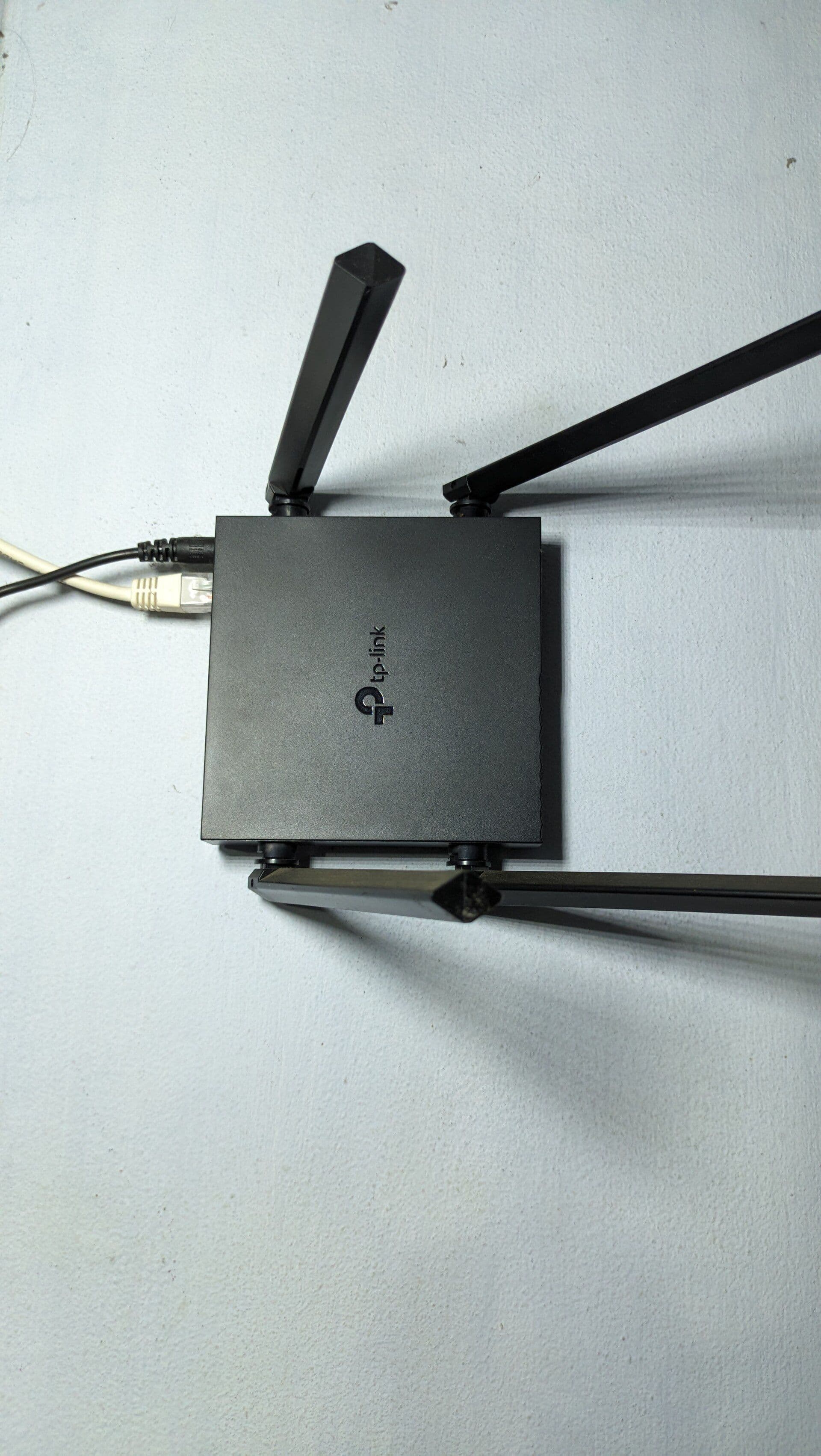
A modem connects your home to the internet service. A router shares that connection between devices and creates the local network, usually including Wi-Fi.
The distinction becomes confusing because one box can do both jobs, and many NBN homes use a connection box supplied as part of the network plus a separate Wi-Fi router.
What a modem does
A modem translates or terminates the signal used by the access network so your equipment can communicate with the provider. On FTTN and FTTB services, this function is commonly built into a VDSL modem-router connected to a phone-style wall socket.
On several other NBN technologies, the NBN connection box performs the network-facing job and presents an Ethernet port for the router. People may casually call that box the NBN modem, even though the equipment name differs by technology.
What a router does
A router manages traffic between the internet connection and the devices in your home. It assigns local addresses, applies firewall rules and directs data to the correct phone, laptop, television or console.
Most consumer routers also provide Wi-Fi, but Wi-Fi and routing are separate functions. A router can serve wired devices with Wi-Fi switched off, and a wireless access point can provide Wi-Fi without acting as the main router.
Do you need both?
You need both functions, but not necessarily two boxes.
- FTTP and HFC commonly use an NBN connection box connected to a separate router.
- FTTC commonly uses an NBN connection device plus a router.
- FTTN and FTTB commonly use a compatible VDSL modem-router that combines both jobs.
- Fixed Wireless and satellite setups use their own installed network equipment, then connect to compatible home networking equipment.
Check the technology at your address using the NBN connection-type guide. The provider should confirm the precise equipment and settings.
NBN Co's connection-box explainer describes the installed equipment used across connection types.
Modem-router versus separate devices
A combined modem-router is compact and easier to support. Separate equipment gives more flexibility: you can replace the Wi-Fi router without changing the network termination, choose a stronger mesh system or position the wireless equipment more effectively.
Do not add a second router without understanding the setup. Two devices both doing routing can create double NAT, which sometimes causes trouble for gaming, remote access and port forwarding. If keeping a provider modem-router, a mesh system may need access-point or bridge mode.
Can you bring your own router?
Often, but compatibility goes beyond the plug shape. Check the WAN type, provider authentication and VLAN settings, voice-service requirements, and whether the provider will support third-party hardware.
For plans above 1 Gbps, check port speeds. A router with only gigabit WAN and LAN ports cannot pass a full 2 Gbps service through one port. Wi-Fi performance also depends on the client device, distance and interference.
Will replacing it fix slow internet?
First run the live speed test over Ethernet and Wi-Fi. If Ethernet is close to the plan's typical performance but Wi-Fi falls away around the home, router placement, wireless capability or coverage may be the problem. Read the mesh Wi-Fi guide before buying extra nodes.
If Ethernet is consistently slow too, replacing the router may not solve the underlying service issue. Follow how to test internet speed correctly, record several results and speak with the provider.
A simple buying checklist
- Confirm the NBN connection type and required modem function.
- Match WAN and LAN port speeds to the plan.
- Check Wi-Fi coverage needs and device standards.
- Confirm provider and voice compatibility.
- Look for continuing security updates.
- Decide whether you need mesh, extra Ethernet ports or advanced controls.
Once the equipment is clear, compare internet plans on typical evening speed, upload, ongoing price and terms. A good router helps distribute the service; it does not turn the wrong plan into the right one.
Where should you go next?
FAQs
Do I need both a modem and a router for NBN?
It depends on the NBN connection type. Some services use an NBN connection box with a separate router, while FTTN or FTTB commonly need a compatible modem-router.
Is an NBN connection box a modem?
For practical home setup, the NBN connection box performs the network-termination role and often connects by Ethernet to your separate Wi-Fi router.
Can I use my own router with NBN?
Often, yes, but it must be compatible with the connection and provider settings. Check voice-service support and configuration requirements before replacing supplied hardware.
Will a new router make my NBN faster?
It can improve Wi-Fi coverage and local network performance if the old router is the bottleneck. It cannot exceed the speed delivered by the plan and NBN connection.