
Solar Feed-In Tariff Missing From Your Bill? What to Check
Solar feed-in tariff missing from your bill? Check export data, installation paperwork, meter setup and billing dates, then ask for a written correction.
CompareUs Editorial TeamConsumer utilities editorial team
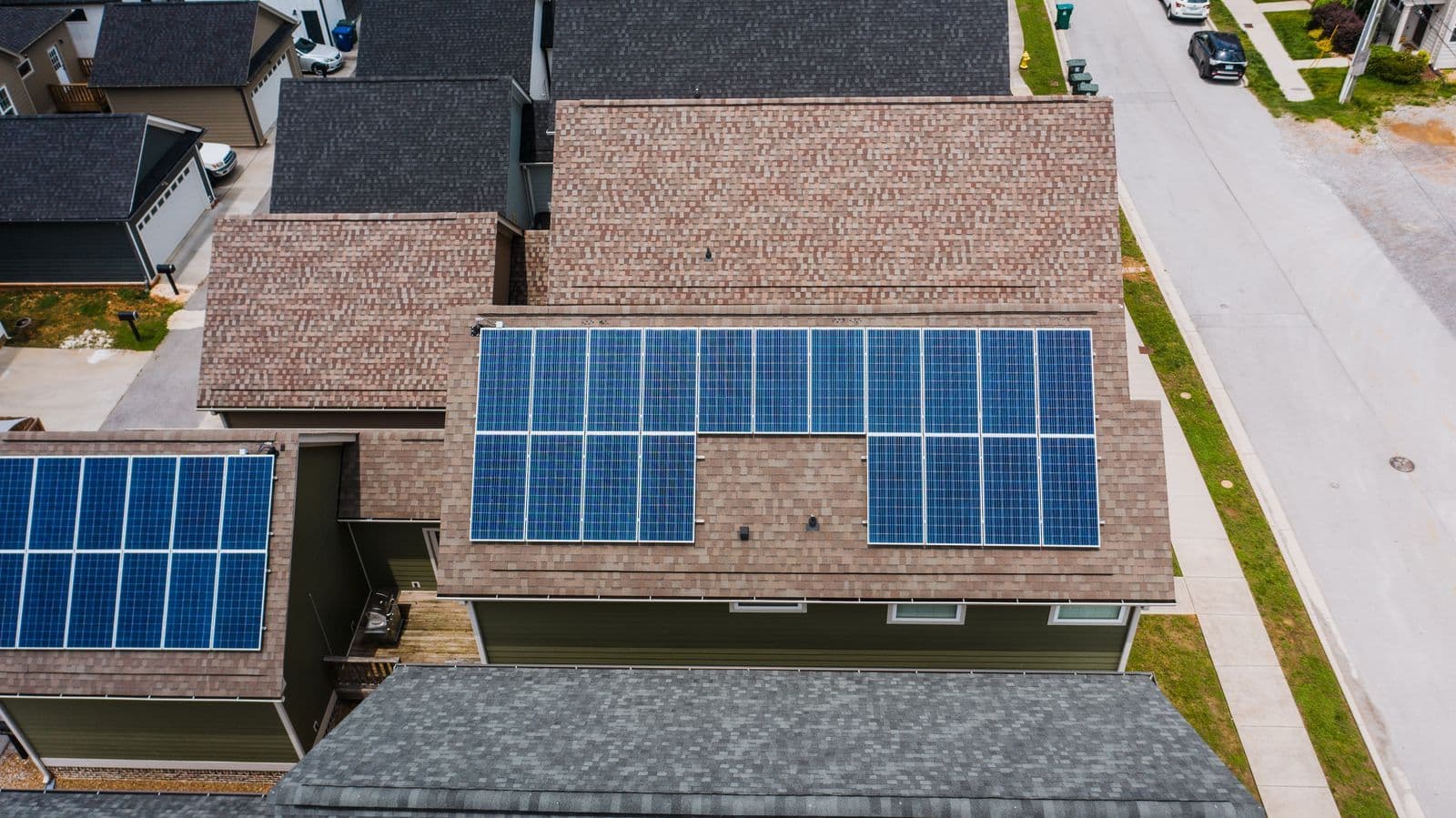
A solar feed-in tariff missing from your electricity bill is worth checking, especially after a new installation, a house move or a retailer switch. But the quickest route to an answer is not always an inverter reset. First separate the physical system, the export measurement and the retail account: a problem in any one of those can produce a disappointing bill.
Quick answer
A solar feed-in tariff missing from your bill can reflect missing installation paperwork, an unconfigured meter, billing timing or no measured exports. Compare the bill period with the system’s approval and activation dates. Ask the retailer to confirm the export register, eligible tariff and records received before assuming the panels are faulty.
Solar feed-in tariff missing: identify what is actually absent
Open the full PDF bill rather than relying only on the app’s dollar summary. Is there no export section at all, a section showing zero kWh, or a section showing exports but no dollar credit? Those are three different starting points. Note the exact wording and billing dates.
If exports are listed, check the rate and arithmetic. If the quantity is zero, investigate the meter data and household consumption. If the entire section is absent, ask whether the account is recorded as solar-enabled and whether the retailer has the required documents and metering information.
AGL’s solar billing guidance specifically identifies outstanding installation documentation as a possible cause of missing credits. That is a useful question to ask any retailer, but AGL’s process and timing should not be presented as a universal rule for every provider.
Put the relevant dates in one place
Write down installation, inspection or approval, meter work, account commencement and bill-period dates. A system installed near the end of a bill period may have little eligible export activity in that bill. A bill covering dates before commissioning cannot demonstrate that later exports were ignored.
Do not treat installation, permission to operate and billing activation as automatically identical dates. Ask the installer and retailer which milestones were required for your connection and when each was completed. Keep confirmation emails rather than relying on a verbal handover.
For a retailer switch, mark the final date with the old provider and the first date with the new one. That helps allocate the enquiry correctly. A missing credit for an earlier period normally needs a response about that earlier account, even if you now buy electricity elsewhere.
Generation is not the same as export
Your inverter can show a productive day while the meter shows little electricity leaving the property. Daytime appliances, electric hot water or a battery may use the generation before it reaches the grid. That can still have value by reducing imports, even when feed-in credits are small.
Conversely, a monitoring app may estimate exports using sensors that are not the billing meter. The figures can differ because of measurement setup, time periods or data gaps. Ask the retailer for the actual export register or interval dataset used on the bill.
Compare matching dates and time zones. A screenshot showing today’s generation cannot establish the export quantity for last month. If the app reports no data, first check whether it has lost its internet connection; an offline dashboard does not by itself prove the system stopped producing electricity.
A symptom-to-question checklist
| What you see | Useful first question | Evidence to collect |
|---|---|---|
| No solar section on the bill | Is the account and meter configured for exports? | Full bill and installation documents |
| Export section shows zero kWh | Did the billing meter record exports in this period? | Export data and matching app dates |
| Export kWh but no credit | Which rate and eligibility terms were applied? | Plan terms and bill calculation |
| Credit begins partway through the period | Which activation date was used? | Commissioning and meter-work dates |
| App data stopped after moving in | Is monitoring still linked to the previous connection? | App status and equipment details |
Use the table to narrow the enquiry, not to diagnose electrical equipment. The retailer should explain the billing records; a suitably qualified installer can investigate the system itself where necessary. Ask each party to identify the missing step rather than sending a general complaint to everyone.
Request a meter and account check
Give the retailer your account number, supply address and NMI from the bill. Ask it to confirm the meter serial number and export register associated with that account. In apartments or recently subdivided properties, an address or meter mismatch is worth ruling out early.
Ask whether any metering work remains outstanding and who is responsible for arranging it. Request a job reference and an expected update date, without assuming every configuration issue can be fixed remotely. Do not attempt to alter the meter or its settings yourself.
If a meter was replaced during the period, ask how the old and new records were joined. Check that the credit calculation follows the correct register and dates. Keep a copy of the retailer’s explanation so a later adjustment can be checked against it.
Confirm the tariff, not just the presence of panels
Having panels does not establish a particular feed-in rate. Ask for the rate that applies to your current offer and address, including any export cap, time band or eligibility condition. Check whether the offer changed when the account holder or retailer changed.
A zero or negative rate is a different issue from an omitted credit. Our negative solar feed-in tariff guide explains wholesale-linked exposure, while the solar export charges guide separates network charges from retail export payments.
If you expected a promotional rate, find the original offer document and confirm its start, end and eligibility terms. A screenshot of a current advertisement is not proof that the same conditions applied to an earlier account. Request a written explanation where the advertised and billed terms appear inconsistent.
Build a concise evidence pack
Attach the bill, plan confirmation, relevant installation or commissioning records and a short timeline. Include the dates and export quantities you are querying. Avoid sending unrelated identity documents or passwords. Use the retailer’s verified account portal or contact channel.
A useful message is: “My bill for these dates does not show the solar credit I expected. Please confirm whether you received the installation documents, which export register and data you used, the applicable feed-in rate and the eligible start date. If an adjustment is required, please show the calculation.”
Ask for a case reference and a realistic response date. If documents are missing, ask exactly which document and where the installer should send it. This usually creates a clearer next action than repeatedly asking why the bill is high.
Check a correction rather than assuming it is complete
Suppose a retailer confirms that 420 kWh of eligible exports were omitted and the applicable rate was an illustrative 5 cents per kWh. The basic credit would be $21. That example is arithmetic only; your actual rate, eligible quantity and adjustments must come from your records.
When a corrected bill arrives, check the period, export quantity, rate and treatment of previous credits. Make sure an adjustment has not simply moved the error to another period. If the retailer refuses a correction, request its reason and the contract or data supporting it.
Do not stop paying without discussing the disputed amount and available arrangements. Ask how the retailer will manage the account while investigating, and seek support promptly if payment is difficult. Complaint and payment-assistance rules vary with jurisdiction and the type of supply arrangement.
When the system needs professional attention
If the retailer confirms the records are correct but expected exports or generation are absent, contact the installer with the findings. Provide equipment details, app messages and dates without opening the equipment. The government’s solar maintenance guidance warns that solar equipment can remain energised even when mains electricity is switched off.
For a newly purchased home, the government’s solar household guide recommends obtaining system details, warranties, installer contacts and monitoring access. Those records make a fault enquiry much easier. A professional inspection may be appropriate if the system’s condition or history is uncertain.
Close the loop before comparing a new plan
Once the data and account are correct, use a representative period to compare total import costs, daily charges and export value. Our electricity comparison page can help explore available offers. Keep the historical correction case separate from that new-plan decision so neither gets lost.
Sources and review
The CompareUs Editorial Team checked the linked AGL and Australian Government guidance on 27 September 2026. This is a billing investigation checklist, not electrical repair advice or a promise of backdated compensation. The worked credit uses hypothetical inputs; obtain the actual eligibility decision and calculation from your retailer.
Where should you go next?
FAQs
Does solar generation prove I should receive a credit?
No. The system can generate electricity that is all used in the home or stored in a battery. Feed-in credits relate to eligible exports measured for billing, not total inverter generation.
Who should I contact first?
For a missing bill line or credit, start with the retailer and ask it to check the export data, tariff and installation documents. If it identifies a system fault or missing installer paperwork, contact the installer with that specific finding.
Will credits automatically be backdated?
Do not assume a particular backdating outcome. Ask the retailer which date it considers eligible, what data exists and which terms apply. Request its calculation and reasons in writing if a correction is needed.
Could changing retailer fix the missing credits?
A new plan does not necessarily resolve missing historical data, meter configuration or installation paperwork. Resolve the existing bill separately and confirm that the receiving retailer recognises the solar setup.
Should I reset the inverter myself?
Follow the manufacturer’s instructions and seek installer advice if unsure. Do not open electrical equipment, change protected settings or climb onto the roof. A billing problem does not justify an improvised electrical intervention.
What if the retailer does not resolve it?
Use the retailer’s formal complaints process, retain its reference number and provide the evidence pack. If unresolved, check the energy ombudsman or relevant complaint body for your state and supply arrangement. Ask about payment arrangements while the bill is disputed.