
Mesh Wi-Fi vs Extender: Fix the Right Coverage Problem
Compare mesh Wi-Fi vs extender for weak rooms, thick walls and multiple floors. Check backhaul, compatibility and placement before buying new networking gear.
CompareUs Editorial TeamConsumer utilities editorial team
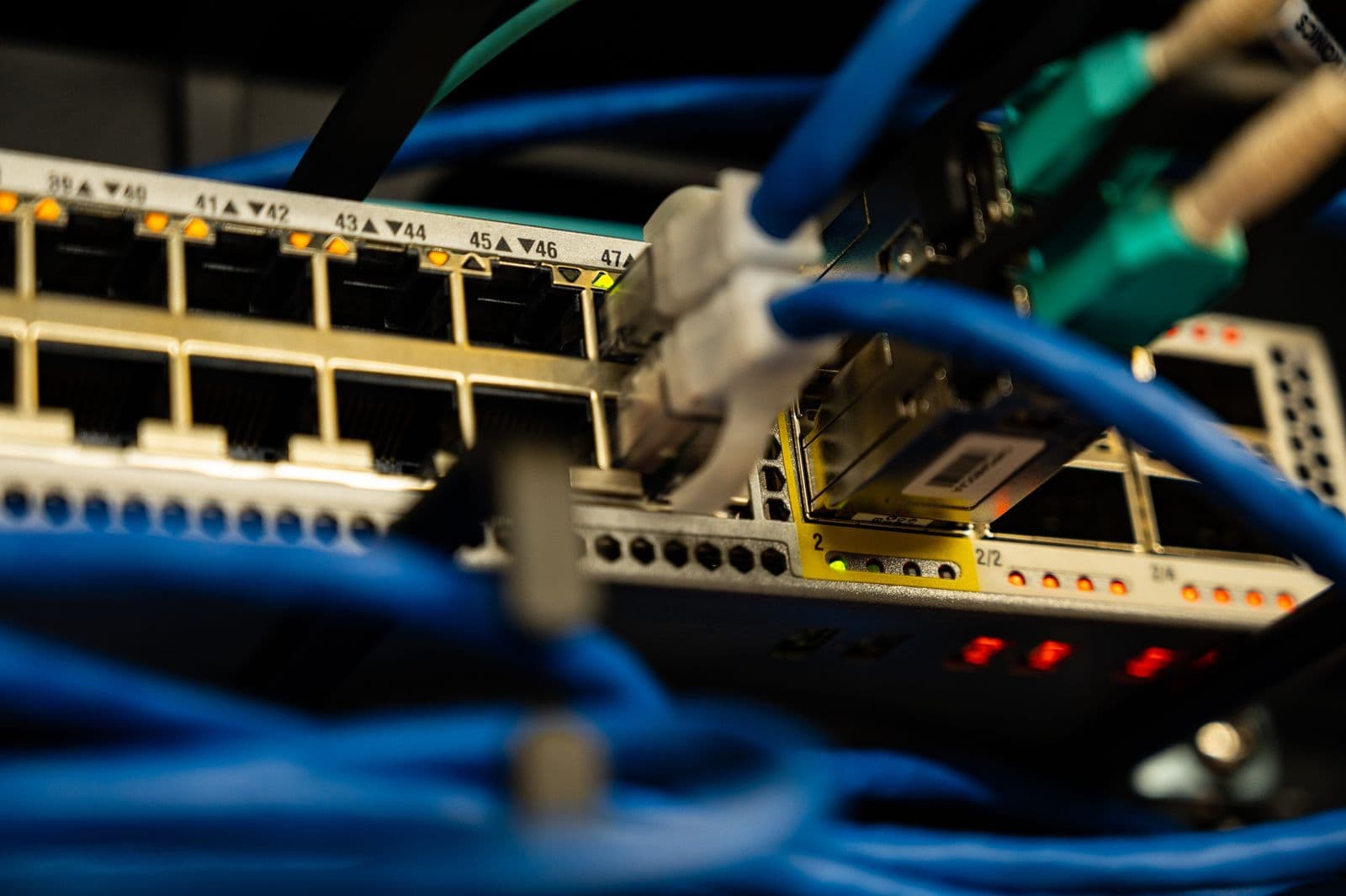
Mesh Wi-Fi vs extender is the wrong first question if the whole house has slow internet. It becomes useful once you know the service works near the router but fades in particular rooms. Then the job is to improve coverage without buying a complicated system for a problem that a better location might solve.
Quick answer
Mesh Wi-Fi vs extender is mainly a coverage and compatibility decision. A simple extender can suit one weak spot; a coordinated mesh system can suit several rooms or floors. Both need a strong connection back to the router. Check Ethernet backhaul, device compatibility and placement before buying, because more hardware does not automatically fix a slow internet service.
Mesh Wi-Fi vs extender: diagnose before buying
Test the same device near the router and in the weak room. If practical, also test a wired connection. Record the location, time and what other household devices were doing. You are looking for a repeatable difference, not one unusually good result.
If performance is poor everywhere, investigate the internet service, router or device first. If it is strong near the router but poor elsewhere, coverage is a more plausible issue. Our internet-versus-Wi-Fi speed guide helps separate those problems.
Try a sensible router position before adding hardware. NBN’s router guidance recommends an open, raised, central location and explains how building materials and nearby objects can interfere. A router hidden behind a television or inside a cupboard may be working against you.
What the two options do
A conventional extender receives a wireless signal and provides coverage farther from the original router. A mesh system coordinates multiple access points as a network. In practice, the categories overlap: some products sold as extenders can join a compatible mesh system.
That is why “mesh good, extender bad” is an unhelpful buying rule. The exact equipment, connection between nodes and placement decide what the setup can achieve. A well-positioned compatible device can be more useful than an expensive pack of nodes placed where none has a strong link.
| Situation | Option worth investigating |
|---|---|
| One weak room with a good intermediate signal | A compatible extender or a single additional access point |
| Several weak areas across floors | A coordinated mesh or wired access-point layout |
| Existing Ethernet to the weak room | A wired access point or mesh node with supported Ethernet backhaul |
| Slow service beside the router too | Diagnose the service and router before expanding coverage |
| Thick barriers between every possible node position | Consider a professionally assessed wired solution |
Backhaul is the connection you should ask about
Backhaul means the link from an additional node towards the main network. A phone can show a strong connection to a nearby node while that node has a poor connection back to the router. In that situation, moving the phone closer does not solve the underlying bottleneck.
Wireless backhaul is convenient but shares the radio environment. Ethernet backhaul uses a cable between supported devices. TP-Link’s Deco guidance illustrates wired and mixed arrangements and explains that the correct topology depends on router or access-point mode.
Do not copy a wiring diagram from a different product without checking your own instructions. If permanent building cabling is needed, arrange appropriately qualified work. A temporary patch lead across a walkway is not a sensible permanent installation.
Compatibility needs exact model numbers
Write down the router model and hardware version before buying anything. Ask the manufacturer whether the proposed extender or node can participate in the intended mesh system and whether a firmware update is required.
TP-Link’s EasyMesh extender instructions show why this detail matters: Ethernet backhaul support depends on compatible main and satellite devices and supported firmware. The presence of an Ethernet socket alone does not prove it supports the mode you want.
Do not assume products from one brand all use the same mesh system, or that an industry label guarantees every feature across every combination. Check the current support list and the regional model being sold, not just a retailer’s short description.
One weak room: a modest solution may be enough
Imagine the kitchen has reliable Wi-Fi but a nearby study struggles. An intermediate power point may provide a usable position for a compatible extender. Test there rather than placing it at the far end of the study where the original signal is already weak.
If the study has an Ethernet outlet connected to the router, a wired access point may be a stronger option. Check the outlet’s actual connection and equipment requirements first. A wall socket is not proof that a complete working network path exists.
The target is reliable use in the study, not the largest advertised coverage area. Test your ordinary calls, browsing and downloads after installation. If the existing device meets those needs, there is no requirement to replace the whole home network.
Several floors: plan the links as well as the rooms
For a larger home, sketch the router location and the rooms that matter. Mark thick walls, floors and any existing Ethernet. Choose node positions that have both useful coverage and a strong upstream connection.
More nodes are not automatically better. Closely clustered units or repeated weak wireless hops can create a disappointing result. Start with the manufacturer’s recommended layout and adjust based on measurements, rather than assuming one node per room is the answer.
Our mesh Wi-Fi explainer covers the broader system concept. For this purchase decision, focus on the smallest supported arrangement that reaches the areas you actually use.
Compare the complete cost
Include the hardware, any needed switch, professional cabling and optional subscriptions you intend to use. Check whether advertised security or parental-control features require an ongoing payment after an introductory period.
A hypothetical $90 extender that solves one room can be better value than a $450 mesh kit you do not need. But two unsuccessful purchases followed by the mesh kit cost more than diagnosing the problem first. These are illustrative budgets, not current product recommendations or retail prices.
Check return conditions before buying because coverage depends on the property. Keep packaging and record the tests you will use to decide whether the equipment solves the problem within any applicable return period.
Set up, secure and test again
Follow the manufacturer’s installation process, install supported updates and use a strong administration password. Confirm that guest access and any household controls still work. If retaining a provider router, check the recommended operating mode and telephone-service requirements.
Repeat the original tests in the same locations. Compare practical performance, not just the Wi-Fi icon. A successful result might be stable calls in the study rather than a dramatic increase in a speed-test peak beside the main router.
If wired performance is still poor, compare internet options only after discussing the service issue with the provider. Coverage equipment and a faster plan solve different problems. The CompareUs Editorial Team checked the linked manufacturer and NBN guidance on 28 September 2026.
Where should you go next?
FAQs
Is mesh always better than an extender?
No. A compatible extender may be enough for one modest coverage gap, while a coordinated mesh system can suit several areas. The connection back to the router, placement and device capabilities matter more than the label alone.
Can an extender be part of a mesh network?
Some can. Check the exact router and extender models, hardware versions and firmware support. TP-Link’s EasyMesh guidance is one example of supported extenders joining a mesh arrangement; it does not establish universal cross-brand compatibility.
Should I put the extender in the dead spot?
A wireless extender needs a usable signal from the main router. A position with no reliable upstream signal is usually a poor choice. Test an intermediate position and follow the manufacturer’s signal indicators and placement guidance.
Does Ethernet backhaul mean devices must use cables?
No. Backhaul is the connection between network nodes. Nodes linked by Ethernet can still provide Wi-Fi to phones and laptops. Check the system’s supported wiring layout and operating mode before connecting it.
Will mesh increase my NBN plan speed?
It does not change the speed tier you buy from the provider. It may improve how effectively that connection reaches devices around the home. If the external service is the bottleneck, adding nodes alone does not remove it.
Can I keep my provider’s router?
Often there is a suitable configuration, but confirm compatibility, routing or access-point mode and any telephone-service requirements with the provider and equipment maker. Avoid guessing at a setup that creates unnecessary double routing or breaks another service.