
Where should the NBN FTTP box and your Wi-Fi router go?
Plan an NBN fibre installation around power, suitable walls and the rooms that need Wi-Fi. Compare keeping your router by the box with using existing Ethernet.
CompareUs Editorial TeamInternet guides
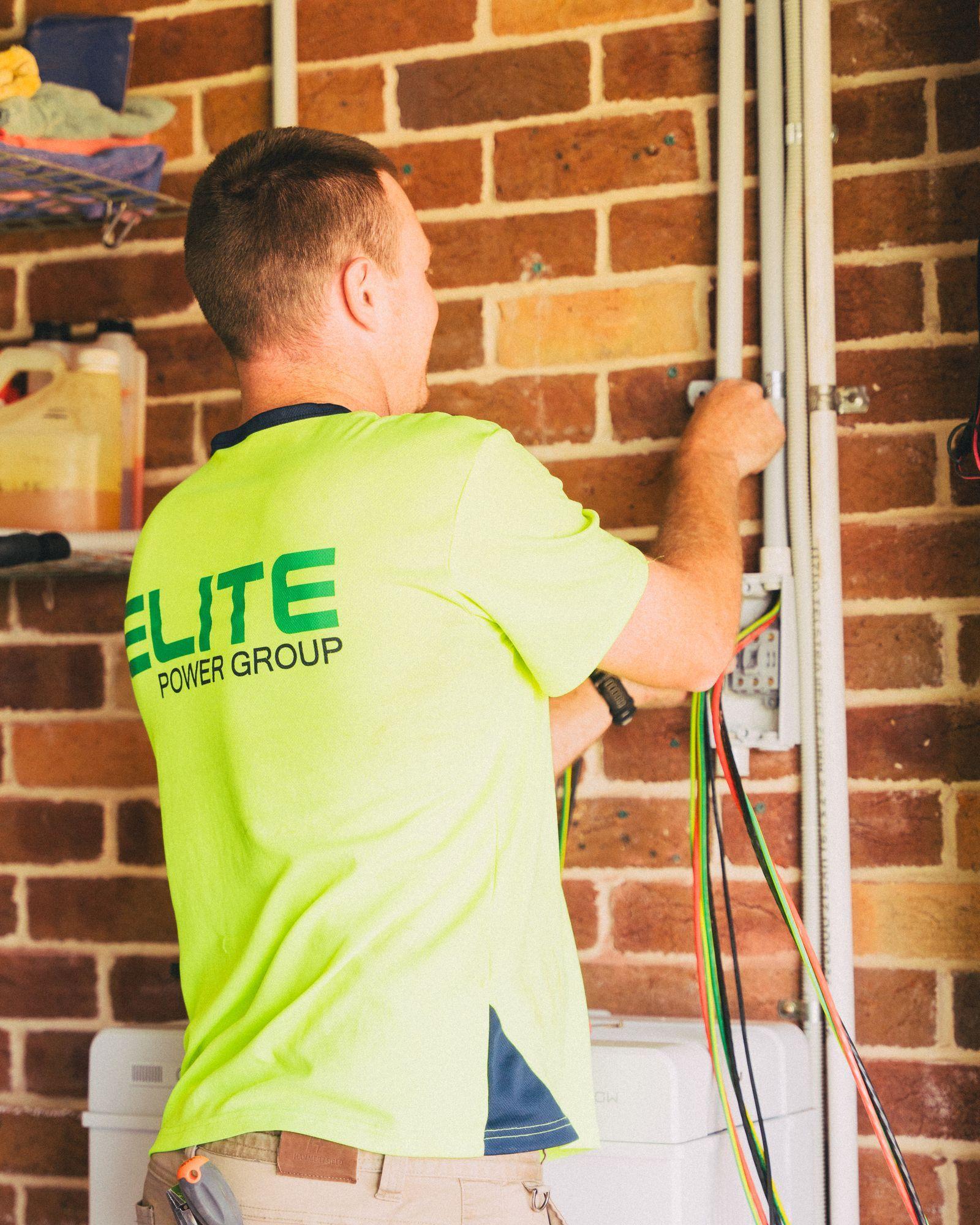
Your old modem sits on a shelf in the middle of the house. The fibre installer suggests putting the new NBN connection box on a wall near the front door. Before deciding that one of you has picked the wrong spot, separate the two devices. The technician needs a suitable route for fibre and power for the connection box. Your household needs a good place for the Wi-Fi router. Those places can be different.
Do the NBN box and the router have to be together?
The NBN fibre connection box and your Wi-Fi router can be in different locations when a suitable Ethernet path connects them. NBN installation rules constrain where the fibre box can go, so plan the router position and cabling before the appointment.
Walk through the house before the appointment
Start at the street-facing side of the home. Identify the outside wall where services enter, the electrical meter area and any NBN equipment already installed. From inside, note the corresponding rooms and existing power points. You can show the installer a preferred wall, a fallback and any obvious issue such as a cupboard packed with shelving. Leave assessment of the fibre route and any work on fixed cabling to the relevant professionals.
Decide what must stay working while the technician is there. A work call, voice service, security device or alarm can complicate a short interruption. Ask your phone or internet provider what the appointment involves and tell it about any equipment that depends on the existing service. If another supplier manages an alarm or monitored device, ask that supplier about continuity and testing. Planning for a particular device is more reliable than assuming the new router will support it unchanged.
Understand the technician's placement criteria
NBN's installation guidance for upgrades describes a location near existing power, in the same building as the external equipment, with a feasible route from the external utility box. It favours a dry, ventilated, accessible position where the equipment is protected and indicators can be seen. The guidance gives distances and other constraints for a standard installation. Use the version supplied for your appointment and let the technician assess your property. NBN FTTP installation guide
Take a garage, for example. An attached garage might contain a suitable inside wall and a convenient power point. A detached garage across a garden presents a different situation. Within an attached garage, think about summer heat, water, storage shelves, cars and whether someone can safely reach the equipment when the garage is full. A location that looks ideal on an empty floor plan may be awkward once a vehicle is parked.
Decide what to do with the router you already own
Look up the exact router model and check the provider's requirements for an Ethernet WAN connection. A combined modem-router that previously used a telephone lead may have a separate Ethernet WAN port, a configurable port or no suitable WAN mode. On FTTP the router talks to the fibre box by Ethernet. Do not assume that unplugging a telephone lead and substituting a similar-looking cable will convert an unsupported device.
Check the speed of the WAN and LAN ports against the plan you intend to use, particularly when moving from an older service. A router with a slower Ethernet port can limit the connection before the Wi-Fi signal even enters the picture. Check whether the provider supplies any settings, whether you rely on a phone service through the router and what support the provider offers for customer-owned equipment. CompareUs BYO modem switching guide
Compare three practical layouts
| Layout | Main consideration |
|---|---|
| Router beside fibre box | Simple, but Wi-Fi may be weak in distant rooms |
| Ethernet to a central router | Check that the fixed cable is connected and suitable |
| Router plus access point | Check power and wired or wireless backhaul |
In a compact apartment, placing the router near the connection box may work well. Try it in an open position with space around it and test in the rooms you use. A metal utility cupboard can be fine for network terminations yet poor for transmitting Wi-Fi. Before buying new hardware, find out whether the router can sit just outside the cupboard with a safe, accessible connection and nearby power.
In a longer house, there may be a data outlet by the fibre box and a matching cable run to the middle of the home. An appropriate Ethernet path can link the fibre box to the router's WAN port at the central location. Check where the cables terminate and whether the outlet is actually connected. If an office outlet also needs to receive the router's home network, a separate return path or a different arrangement may be needed. Ask a registered cabler to map the layout if it is unclear.
In a home with no suitable run, compare a quote for a fixed Ethernet outlet with a mesh Wi-Fi arrangement. Cabling can put the router or a wired access point precisely where coverage is needed. Mesh can help extend coverage without a new fixed cable, but each wireless node still needs a usable connection back to the network. A node placed in the deadest corner of the house may have very little signal to work with.
General information only, not financial, legal, medical or electrical advice.
CompareUs may receive referral fees. How we get paid.
A worked layout for a house with a front garage
Imagine the technician finds a suitable spot on the inside front wall. The office sits at the far rear of the house, beyond a kitchen and two masonry walls. The family owns a capable router and would like to keep it. Option one is to install the router beside the box and test it. This has little upfront cost but leaves the greatest distance between the Wi-Fi transmitter and the work computer.
Option two uses existing fixed cabling from the garage to the living room. With suitable terminations, the router can operate in the living room and the office has a shorter wireless path. Confirm the data outlet at each end and make sure the router has access to power. If the central room only has a telephone outlet, obtain a cabler's assessment instead of assuming the cable inside the wall can support the planned connection.
Handle rental and apartment approvals early
If you rent, ask the property manager what written approvals are needed for the proposed installation and any privately arranged work. Give them the intended wall, likely cable route if known and appointment details. In a strata building, the unit entrance, riser, communications cupboard and exterior wall can involve common property. Ask the building manager about access, keys and restrictions before the technician is standing outside a locked door.
If there is already an NBN fibre box, tell the provider where it is and ask whether the order needs an installation visit or a service activation. Moving an existing network termination is a different job from moving your own router. Ask the provider about the appropriate relocation process. Keeping the box in place and improving the home network can solve a coverage problem without altering NBN equipment or waiting for an unnecessary installation appointment.
Test the service and the wireless network separately
Once the provider confirms activation, connect the router to the port it specifies and check that an ordinary wired device can access the internet through the router. Where feasible, run a wired speed check using a device and Ethernet adapter suitable for your plan. Record the time, plan, device and connection method. That gives you a reference before drawing conclusions about a slow video call in the back bedroom.
Next test Wi-Fi in the actual places people sit, with doors in their usual positions. Test a work call at the desk, streaming near the television and a phone at the far end of the property. If everything works by cable but one bedroom struggles, focus on the Wi-Fi layout. If every device fails, including the wired test, contact your provider with the activation details and status indicators before spending money on a stronger router.
Repeat the room tests when the household is using the connection normally. A phone alone in the living room at lunchtime may perform quite differently from a laptop at the study desk while other people stream in the evening. Record where the change occurs so the provider or cabler has a specific symptom to investigate.
Finally, keep the identifiers for the fibre box and your own router separate in your notes. When a support agent asks which device is showing a warning light, “the small wall-mounted NBN box” is more informative than “the modem near the door”. Add the assigned Ethernet port and the location of the power supply. These few details turn a frustrating fault call months later into a straightforward description of what the household can see.
Questions to ask
- Where can the NBN technician install the fibre box?
- Is a power point within the required distance?
- Does existing Ethernet reach a useful router location?
- Who can approve cabling in a rental or apartment?
NBN explains the FTTP installation process.
ACMA explains home communications cabling.
Where should you go next?
FAQs
Can I install the NBN fibre box wherever I want?
Discuss your preferred location with the installer. Suitability depends on access, fibre pathway, nearby power, safety and the applicable installation guidance.
Can I put the Wi-Fi router in another room?
Yes, if there is a suitable Ethernet path from the assigned connection box port to the router WAN port. Existing data outlets may need checking.
Can I keep my old modem-router on FTTP?
Check the model for compatible Ethernet WAN operation, suitable port speeds and support for any provider settings or phone services you need.
Does a mesh system move the NBN box?
The box stays at the fibre termination. Mesh equipment extends your home network from the router and needs suitable power and connectivity.
Who do I contact about relocating an existing NBN box?
Speak to your internet provider about the relevant process. Use a registered cabler for advice about privately arranged fixed data cabling.